24 496478
3. Installation
Caution: The connection of only one such series apparatus is allowed
to be connected between a main apparatus (e.g., telephone)
and the PSTN.
Take care to ensure that the A and B line are connected correctly ( i.e.
correct polarity). The built in communicator continuously monitors the line for
Ringing tones.
Primary
Line
Diverted
Line
A1
B1
B
A
5 or A
2 or B
BT master Box
(Exclusive Line)
Telephone line to other equipment
for example: Fax, answer machines.
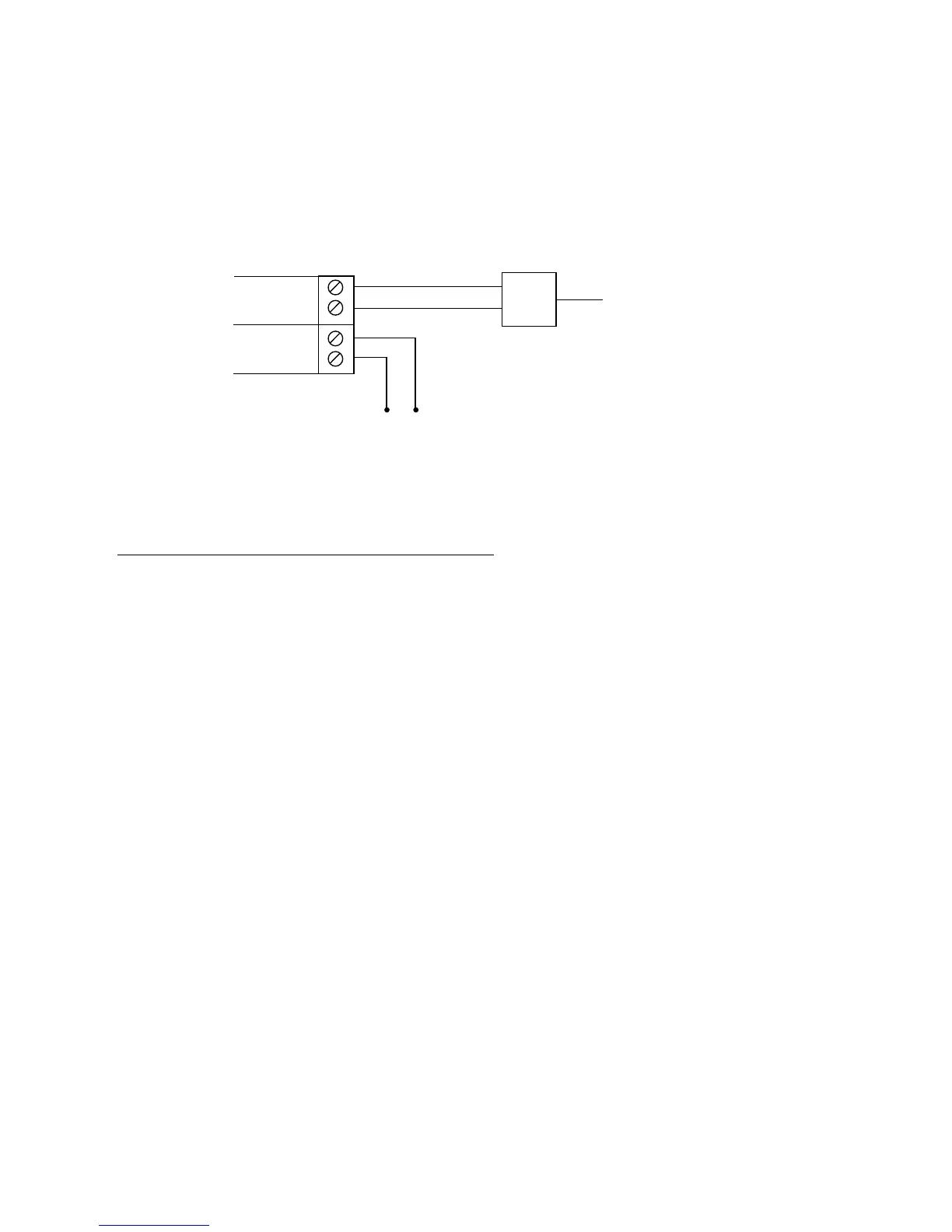
Figure 17. Connecting the Built In Communicator
Fitting a Plug-by Communicator
The 9750 can be fitted with a communicator or speech dialler (for example
the Scantronic 8400, 8440, 660 or RedCare STU). To fit a communicator,
follow the instructions below.
Caution: Follow the instructions in the order shown, or you may dam-
age the control unit and/or communicator.
1. Disconnect mains and battery power from the control unit and remove
the case lid, if the system has already been installed.
2. Detach the main PCB from the support pillars in the control unit case,
and lift the PCB carefully to the left.
3. Fit the communicator between the PCB support pillars, making sure that
the main PCB can fit back into position (see Figure 18).



 To Next Page