29
Local: The telecommand can set or
unset wards allocated to its buttons (or
the PA can start an alarm in its
allocated ward) only when in range of a
specific MRNode receiver
1
. OR:
Unused: The control unit will ignore any
telecommand programmed as
Unused, even though it may still be
learned by an MRNode. (Hint: Use this
option to disable telecommands that
have been lost.) Press [ to save your
changes.
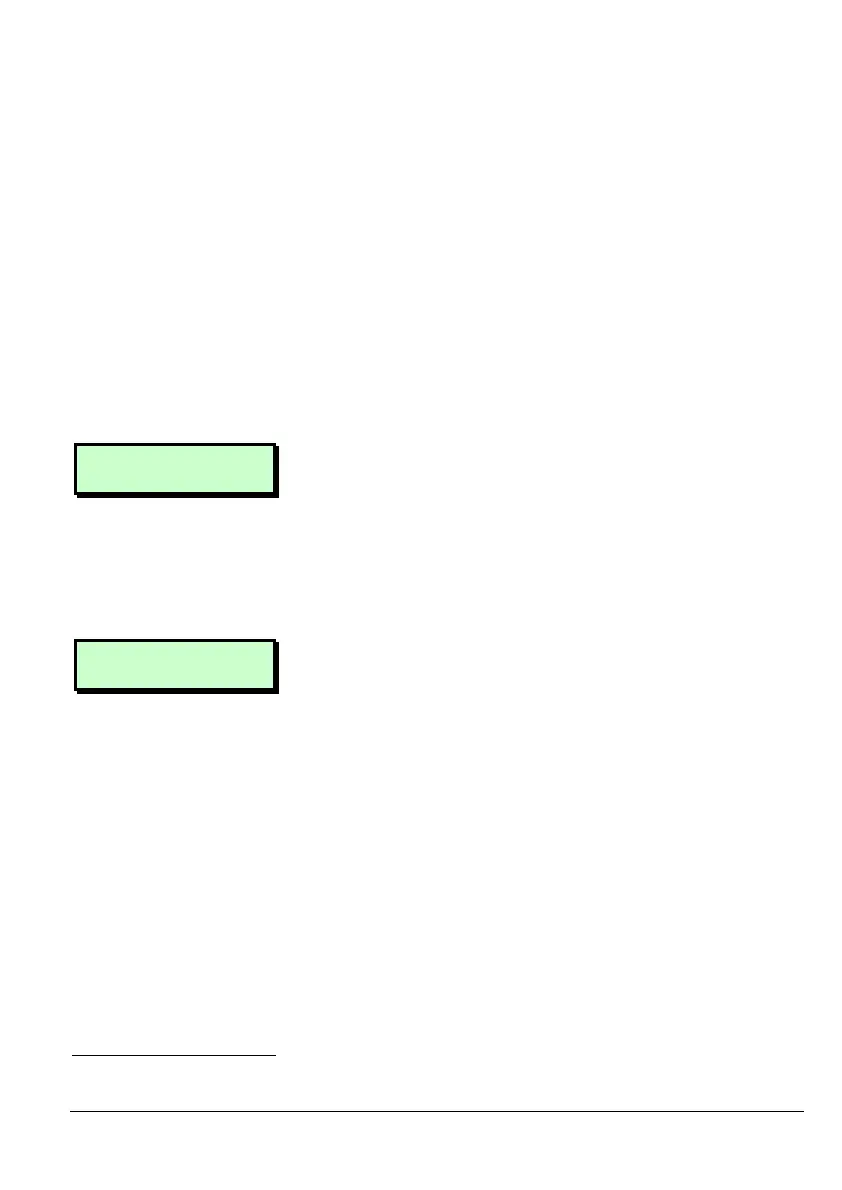
Button 1 ^Set
Group 1> 1*******
6. Press [ to select this option.
(Or, use | or ¬ to select other buttons.)
Press 1 to 4 (or 1 to 8 on a M2000)
to select the group that will be set by
the button. Press [ again to save your
changes.
Button 4 vUnset
Ward >1*******
7. Press [ to select this option.
Press 1 to 8 to select the wards that
will be unset by button 4. (By default
button 4 unsets all wards.) Press [
again to save your changes.
1
The installer must allocate wards to individual MRNodes.



 To Next Page