41
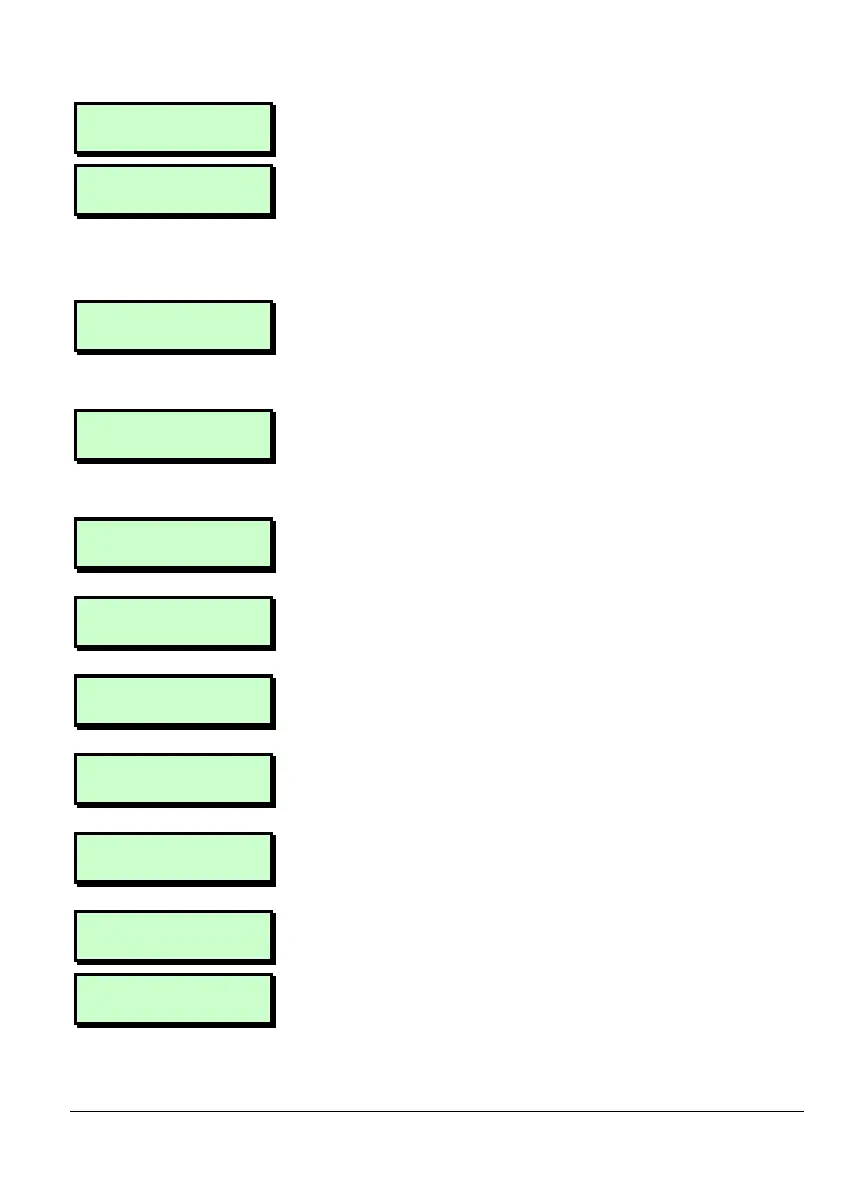
Exception 04
Disabled
4. Press [. to start editing the Exception.
^ Description
5. Use the text editing keys (page 52) to
change the text as required. Press [ to
accept the displayed text or ] to exit
without change.
Exception 04
Description
6. Press | or ¬ to select the on/off time
and days of operation to edit, then
press [.
EX 04 Start Time
>00:00
7. Key in the start time in 24-hour format,
(for example 2100 for 9:00pm),
then press [.
EX 04 Start Date
>01 JAN
8. Key in the day number of the start date,
and then press [.
EX 04 Start Date
24 >JAN
9. Key in the month number of the start
date, and then press [.
EX 04 End Time
>00:00
10. Key in the end time in 24-hour format,
then press [.
EX 04 End Date
>01 JAN
11. Key in the day number of the start date,
and then press [.
EX 04 End Date
02 >JAN
12. Key in the month number of the start
date, and then press [.
Exception 04
24 DEC - 02 JAN
13. Press ] to stop editing that Exception.
Exception 04
14. Either select another Exception and go
back to step 3, or press ] again to
leave the Exceptions menu.



 To Next Page