42
Option 2-0-2:
Setting Up Auto-Set
Timers
Use this option to make the control unit set
or unset selected wards at specified times.
You can allocate each auto-set timer to
one or more wards, which the control unit
sets and unsets at the times you chose.
For each auto-set timer you can specify a
description, a switch on/off (set/unset) time
and day of the week, and Exceptions.
When a timer reaches the “on” time for an
event the control unit operates the keypad
sounders
1
and then sets the allocated
ward(s). Note that the control unit will not set
any ward where there is an active detector.
During the warning time a user can defer
setting for a short period by entering their
user code
2
.
When a timer reaches an “off” time, the
control unit unsets the allocated ward(s).
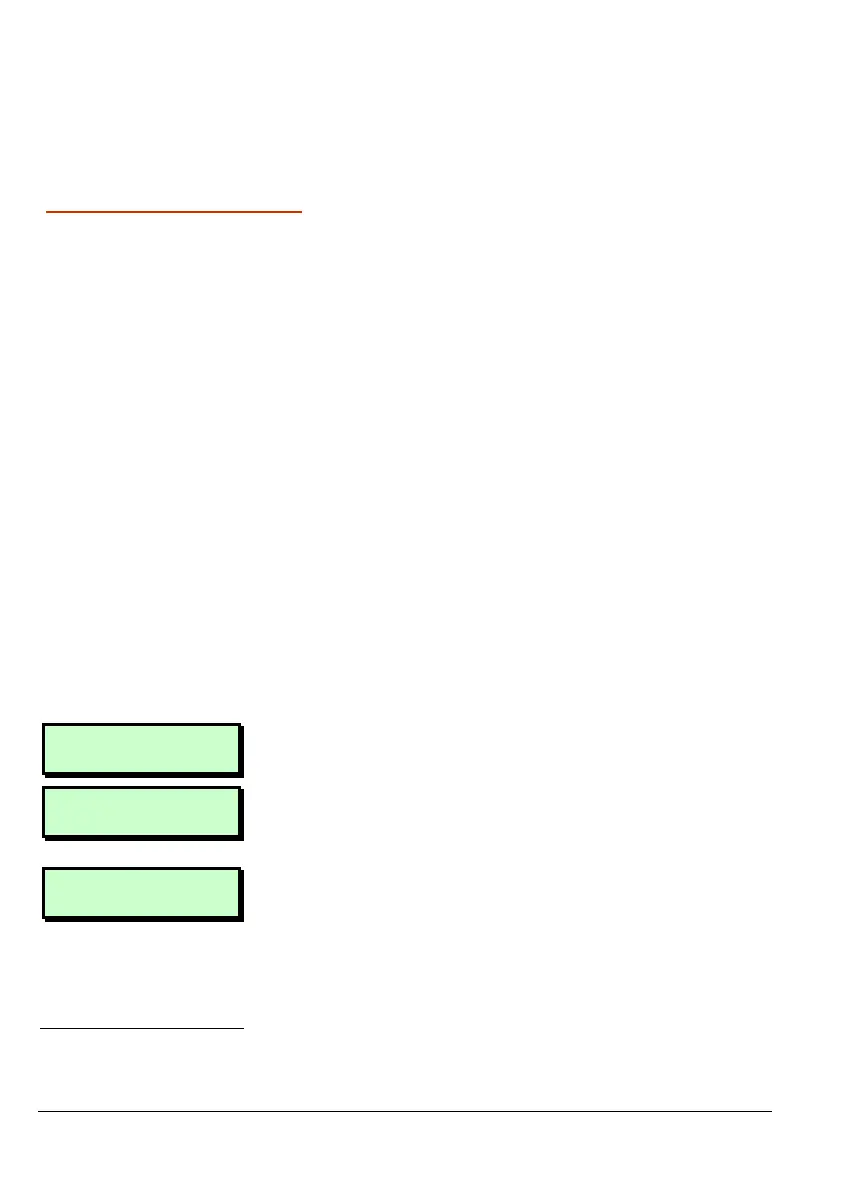
User 2 Menu 0
2:Auto Sets
1. Press [ to select this option.
Timers 2
Auto-Sets
2. Use | or ¬, or press 2 to select Auto
Sets, then press [.
Auto-Set 01
3. Use | or ¬, or press a hot key (01 to
32) to select the auto-set timer to
edit. (The display shows the timer
number at the top right.)
1
Engineer menu option 1-5-2-32 sets the length of the warning time.
2
Engineer menu option 1-5-2-16 specifies the length of the defer time.



 To Next Page