11
CMS Manual
For Inspire Blue and Inspire Red DVR Models
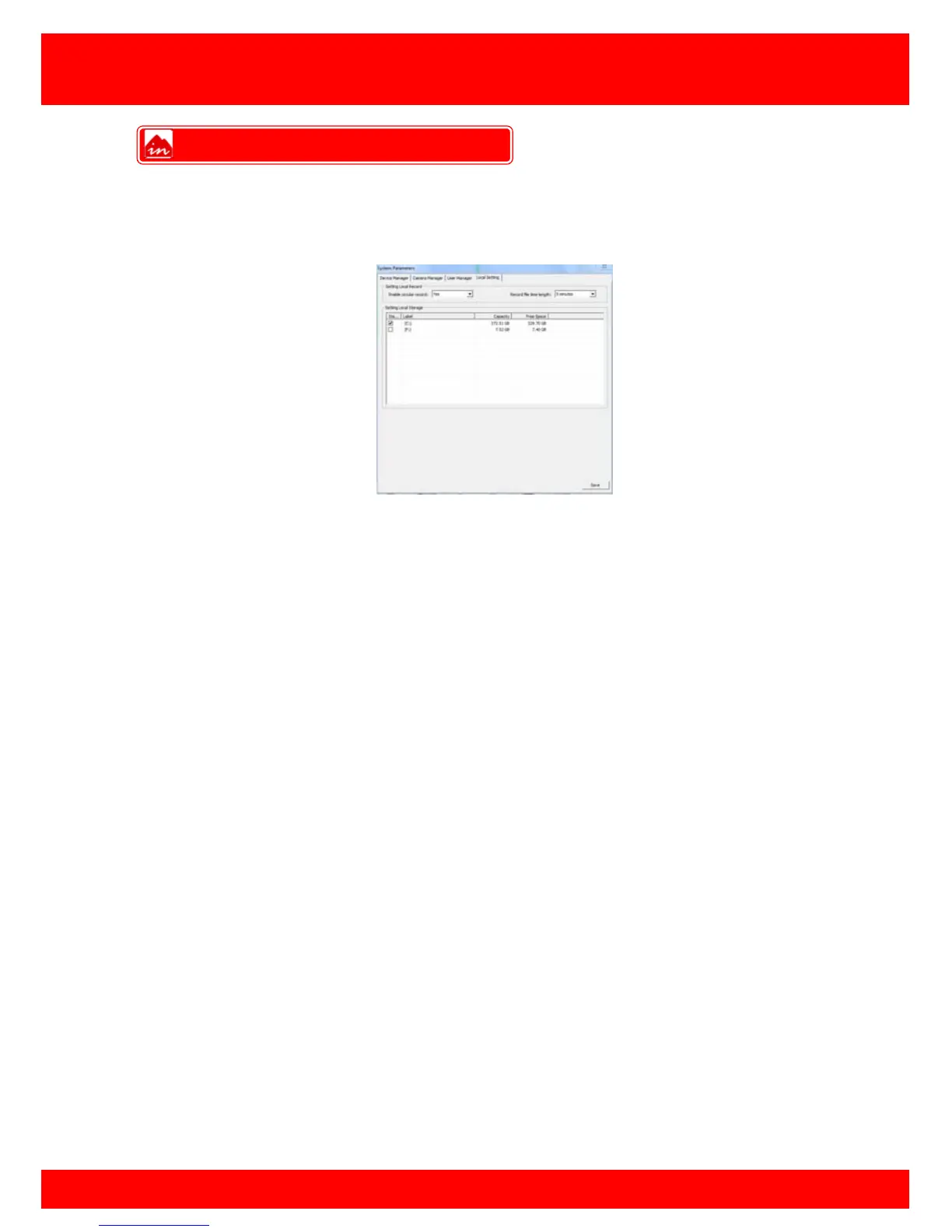
Local Setting
Here you can set which of the hard drives in the remote PC the local recordings are
saved, by default recordings are saved to: C:/cms_cop/videos
Enable or disable circular recording
Yes Overwrite the local recording in a loop
No Stop recording after the preset record time
Record file length sets the record time of individual files.
Set the HDD to use for local recordings to be stored on.
Local Record



 To Next Page