15
CMS Manual
For Inspire Blue and Inspire Red DVR Models
Playback by Time
The viewing of recordings stored on the DVR HDD(s) can be done using the Playback
feature.
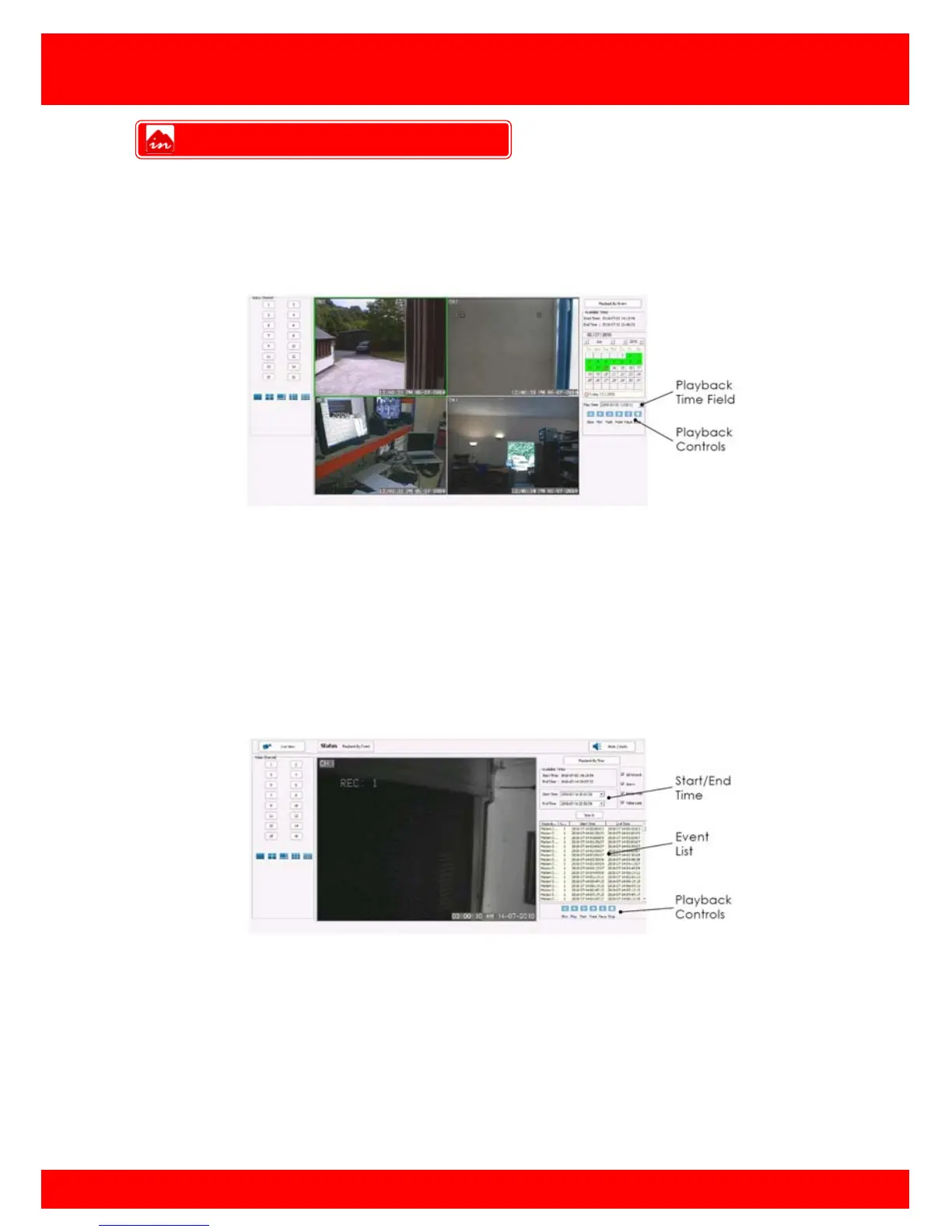
To playback images enter the desired time into the Play Time field on the right side of
the browser and click play.
To change playback screen layout click the screen icons on the left of the browser.
Playback by Event
To playback by Motion, Alarm or Video Loss event click the Playback by Event button in
the top right of the browser.
Available recording times stored on the DVR HDD(s) appear at the top right of the web
browser.
To search for an Event select a start and end time in the Start and End time fields on the
right of the browser and click search.
Note: Searches that exceed a 24 hour period may take a long time to return results
To playback an event from the event list click the desired event to highlight it and click
on play icon.
Playback Over Network



 To Next Page