7
CMS Manual
For Inspire Blue and Inspire Red DVR Models
To be able to view and control DVRs remotely, the DVR connection settings must be first
set in the CMS.
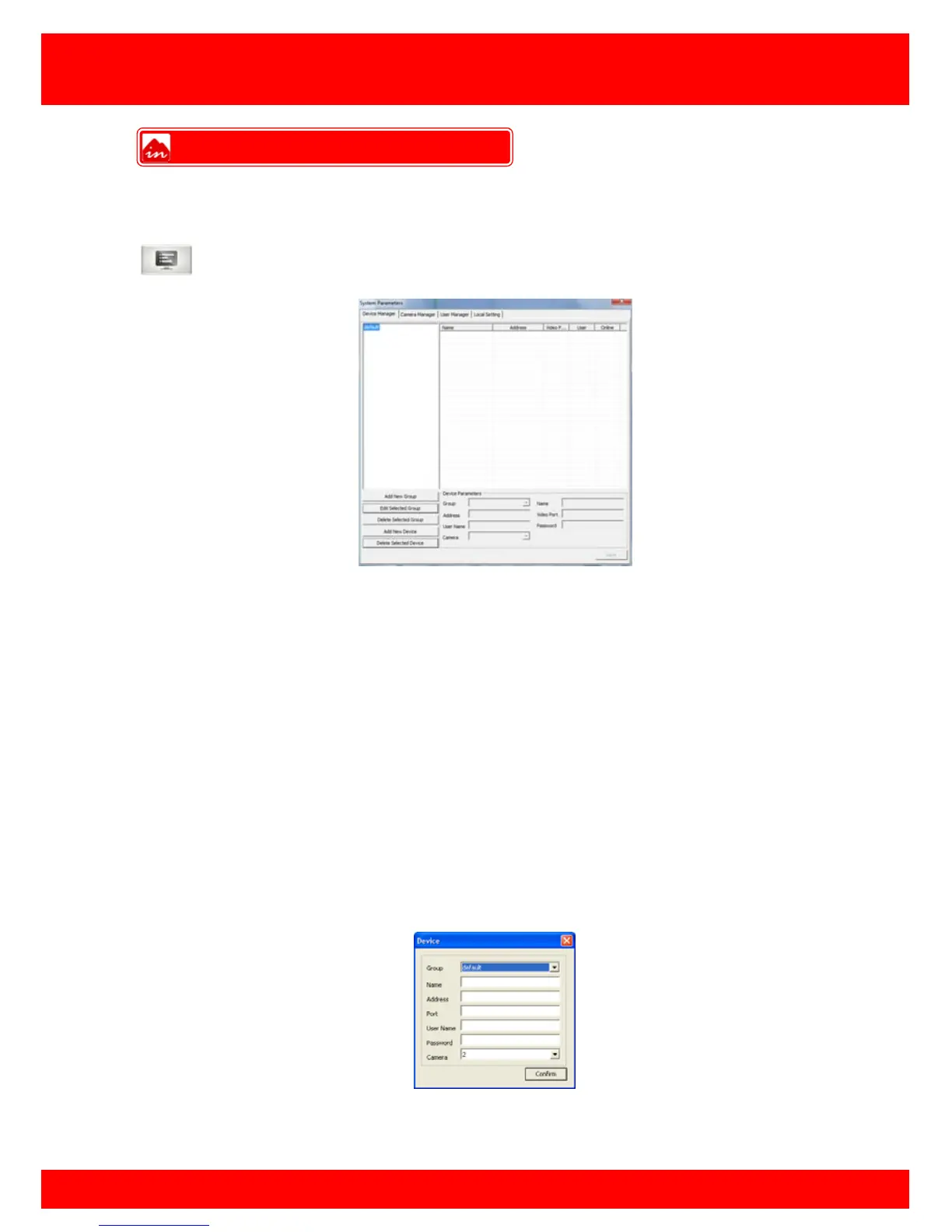
Click on the CMS menu button to bring up the screen below.
To add a new device to the connection list click the Add new device button, then input
the various connection settings for your device.
Group This is the group the DVR will belong to, multiple groups can
be created.
Name This is the reference name of the DVR, this can be anything
you like.
Address This is the IP or Domain address used to connect to the DVR.
Video port This is the Command Port of the DVR, default is 5050.
Username This is your username for connecting to the DVR, default is
Admin (case sensitive)
Password This is your password for connecting to the DVR, default is
888888.
Camera This is the number of camera channels available on the DVR
Click Confirm when completed and the device list will display the DVR you have added.
Device Manager



 To Next Page