8
CMS Manual
For Inspire Blue and Inspire Red DVR Models
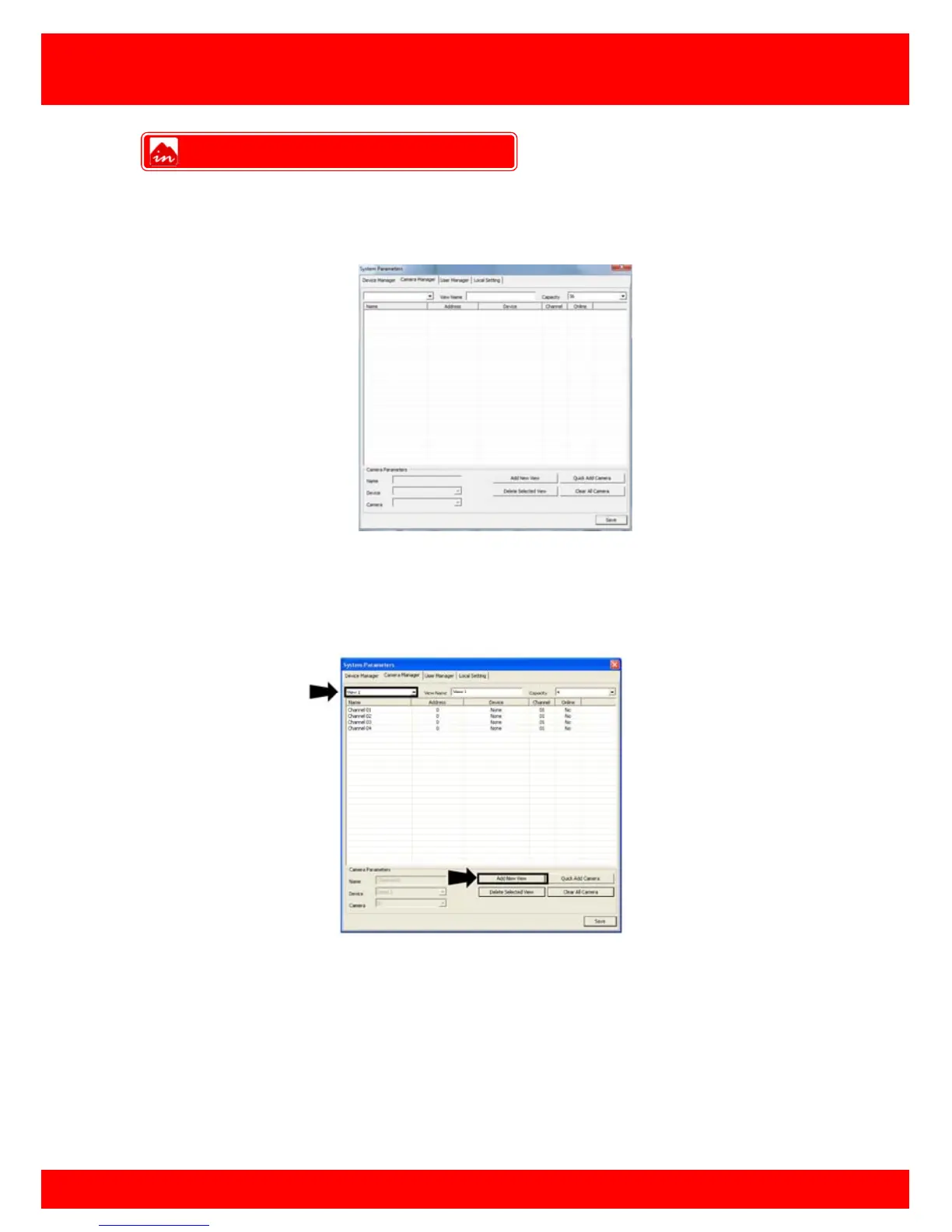
Once all the DVR settings have been added to the device manager you must
programme which cameras you want to stream, here you can mix and match cameras
from separate DVRs in separate locations.
Setup A View
1.
Click the
View
button to select the view to add cameras to. (click add new view
button to create a new view)
Camera Manager



 To Next Page