12
CMS Manual
For Inspire Blue and Inspire Red DVR Models
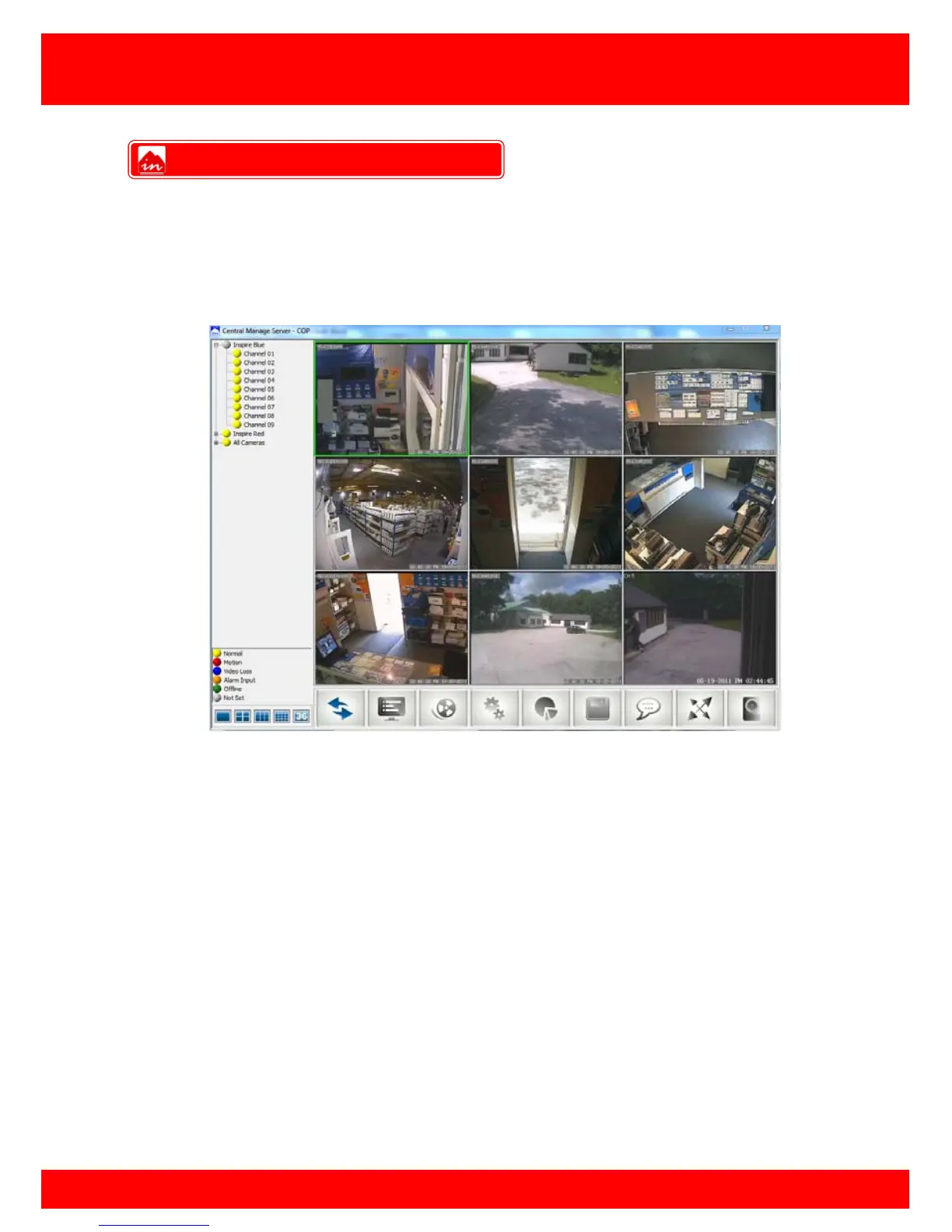
Once the CMS is configured correctly the created views will appear in the top left
window pane, the CMS has a feature which automatically checks if any of the DVR(s)
are available and shows the current record status.
To start streaming video from one of the views, select a view and click the
connect/disconnect button.
To stop the stream press the connect/disconnect button.
Streaming Video



 To Next Page