14
CMS Manual
For Inspire Blue and Inspire Red DVR Models
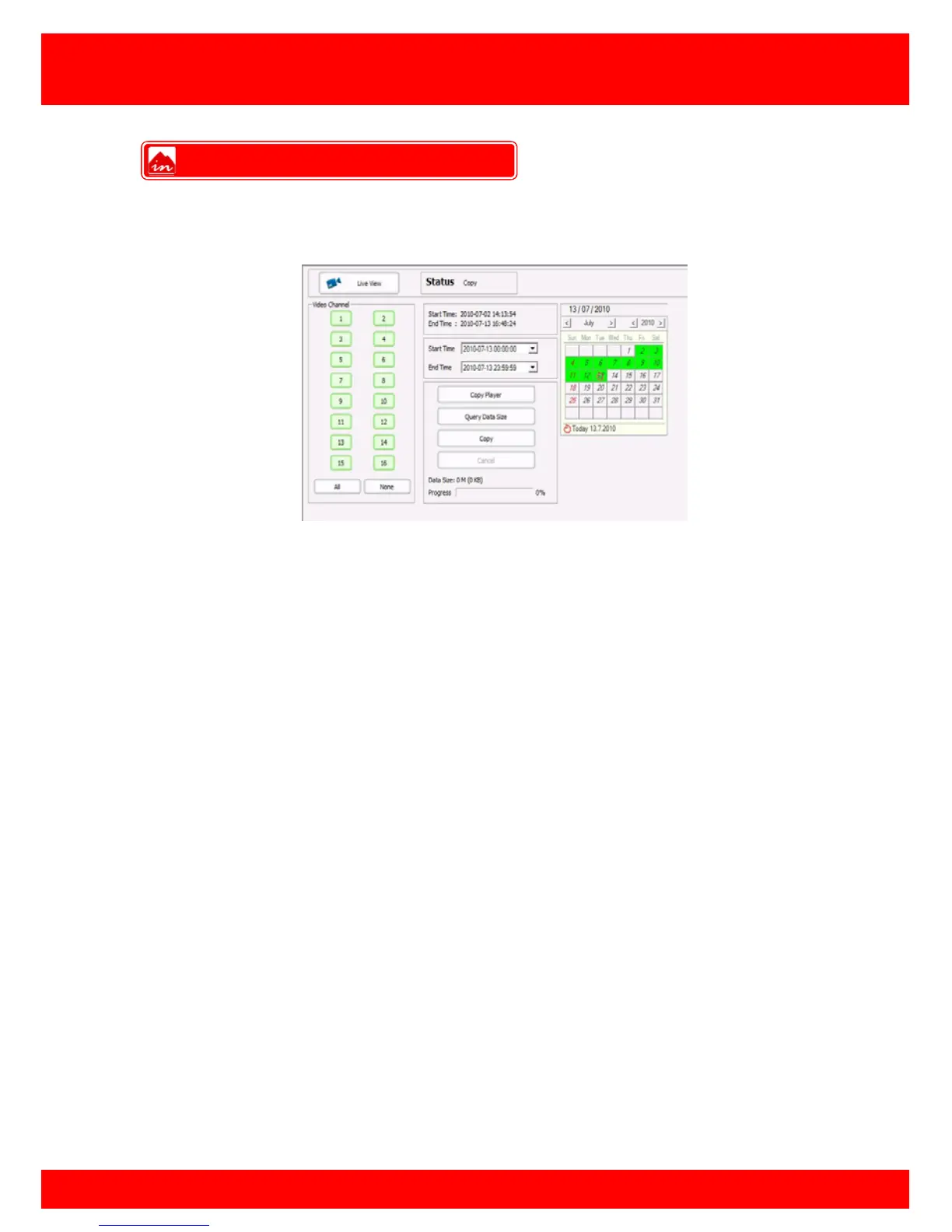
If there are recordings on the DVR HDD(s) that need to be retrieved remotely this can
be done using the Copy feature.
To use the Copy feature:
• Click Copy
• Enter required start and end times (available recordings on HDD(s) are listed
above start time drop down box)
• Select cameras to copy in Video Channel field
• Click Query Data Size to get an estimate of the total size of the requested
recordings.
• Click Copy and choose file name and destination
After save destination has been chosen the remote copy will start and the progress bar
at the bottom of the screen will show the copy progress in percent.
Note: The Cop Player 2 software will be required to playback copied recordings, this
can be downloaded by clicking the Cop Player button. Please also note that remote
copying recordings can take a very long time depending on amount of cameras and
amount of time requested.
Copy Over Network



 To Next Page