13
CMS Manual
For Inspire Blue and Inspire Red DVR Models
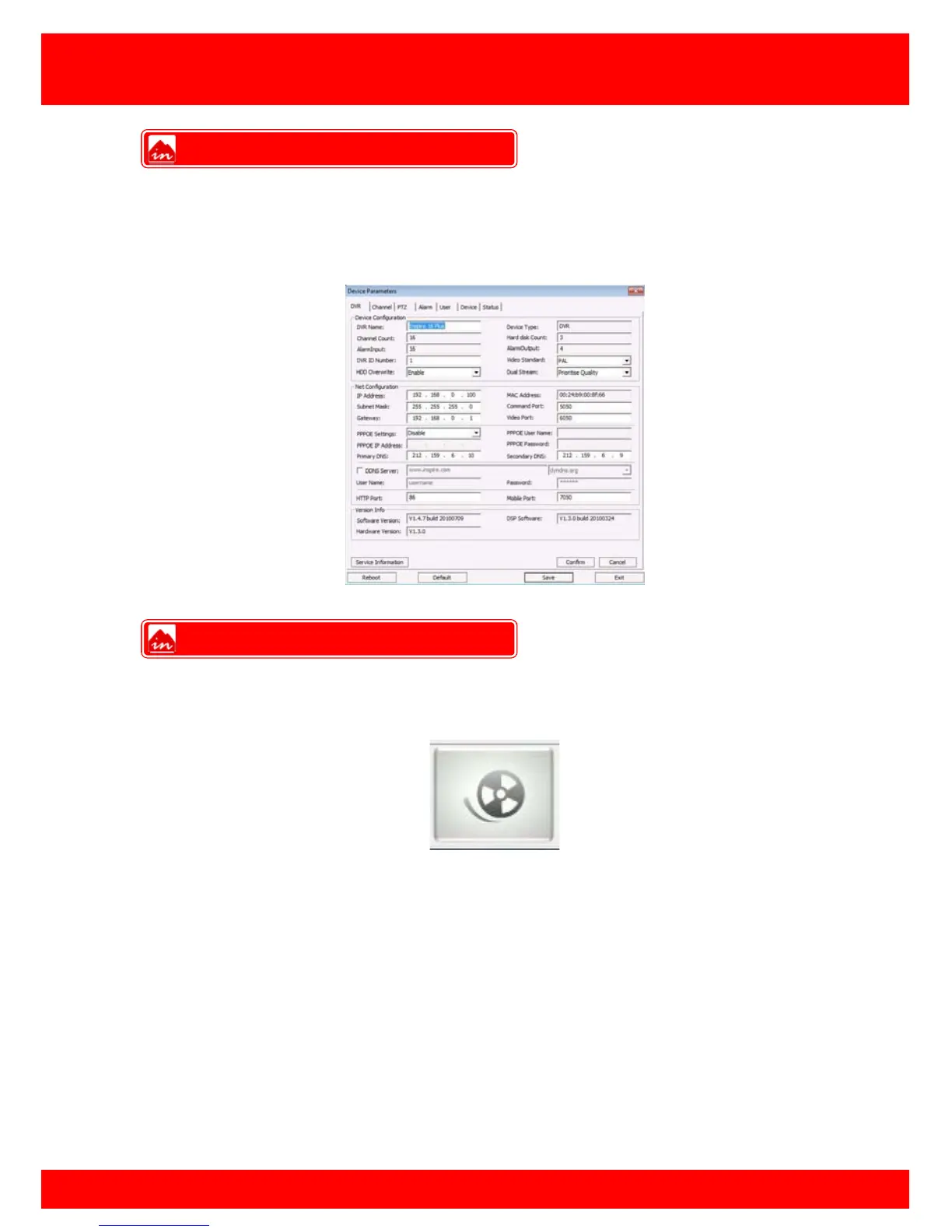
The device parameters feature allows the user to change settings that are saved on the
DVR such as record settings, event settings and more.
Click the DVR settings button and then select which DVR to view.
If when viewing the camera images over the network the user would like to save the live
stream to the PC the user can use the Local Record feature.
To use Local Record click the Local Record button. Local Record can be stopped at
any time by click the local record button for a second time.
Note: The Cop Player 2 software will be required to playback remote recordings, this
can be downloaded from the Copy Menu.
DVR Settings
Remote Record



 To Next Page