5
CMS Manual
For Inspire Blue and Inspire Red DVR Models
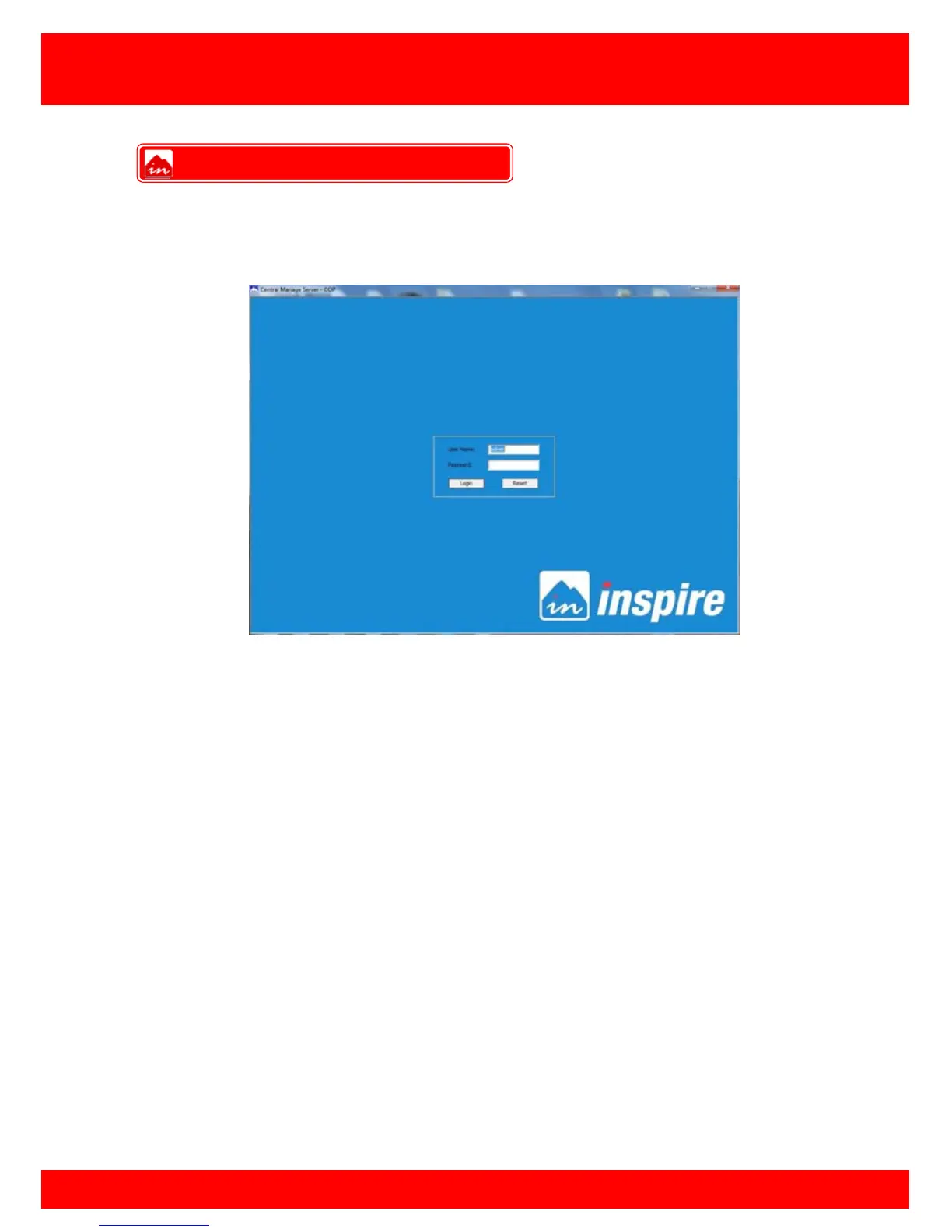
To be able to use and manage the Inspire CMS software the user must first log on to the
software by entering a valid username and password. This is to prevent unwanted
individuals being able to view and control the various cameras and features.
To log in after the initial installation enter the following:
Username: admin
Password: admin
The default admin password can be changed in the CMS settings once the user has
logged in, additional users can also be created with various privileges.
More information on creating user accounts can be found on page 10.
CMS Log in screen



 To Next Page