4
CMS Manual
For Inspire Blue and Inspire Red DVR Models
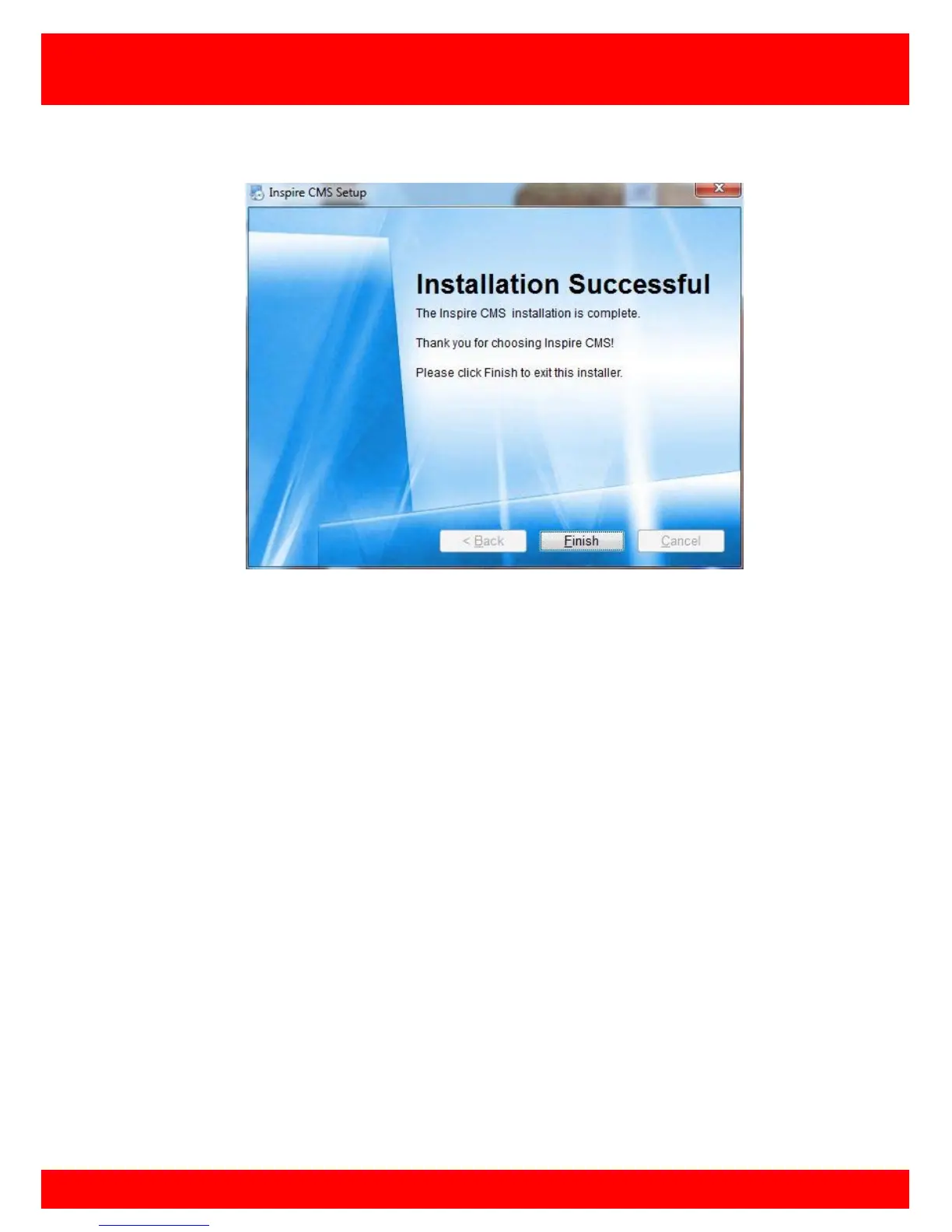
Once installed press Finish to complete the installation.
Now that the installation is complete an Inspire CMS shortcut will have been created on
the computer desktop, double click this icon to open the Inspire CMS program.
NOTE: It is recommended that the PC is rebooted before running the CMS for the first
time.



 To Next Page