1 8665 Smart Router Overview
Air Filtering
The air filter prevents dust from entering the subrack and keeps the cards clean in order to m aintain
adequate cooling. The air filter is located in front of the fan modules in 8665 Smart Router subrack.
All empty unit slots must be shielded with a cover plate to enhance cooling, prevent EMC emissions
and dust entering the subrack.
The fan modules and air filter can be replaced on the fly without distu rbing the data traffic th rough
the NE. Refer t o the 86 00 Smart Routers Hardware Installation Guide f or detailed instruction s.
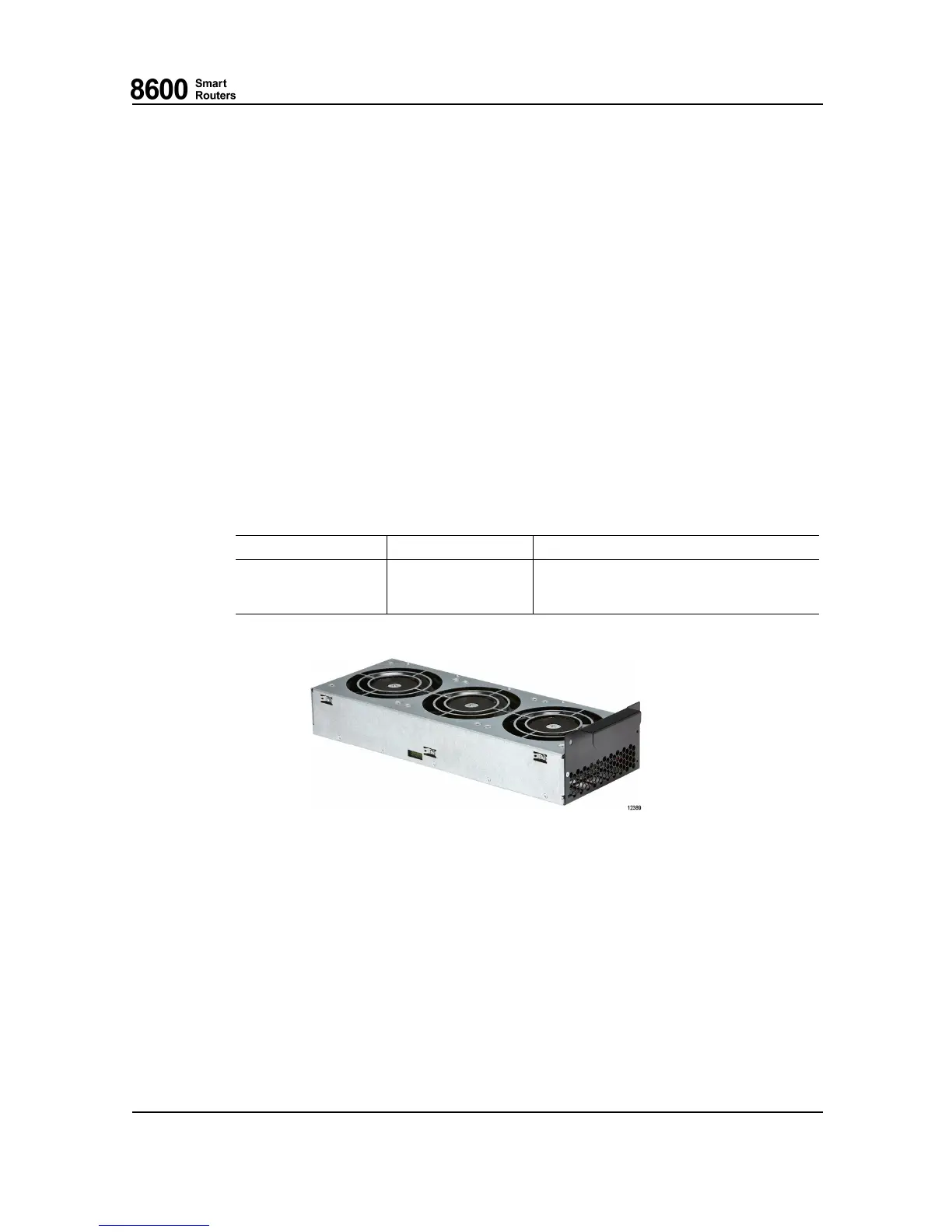
Fan Module
One fan module has three brushless fans, three fan drive circuit s and a common control logic
including a watchdo g. Fuses pro tect the input against over-curr ent, similarly the fan d rive circuits
have short circuit protect ion and limited output current in case of a fan failure. The control
functionality (CU) is able to control and monitor the o peration of the fan module. If the CU fails to
control the module, the watch dog will set the fan speed to the maximum .
There is one LEDs on the front edge of the fan module.
LED Name
Color States
Power
GREEN
ON when module power is OK and all fans
rotating.
OFF otherwise.
Fig. 3 8665 S mart Router Fan Module
1.2 8665 Smart Router P
owering
The 8665 Smart Router can be powered w ith a po w er in put m od ule PIM with support for -48
Vdc nominal input voltage.
The NE has two slots for PIMs. Redundan t p ower feeding is achieved by installing a PIM in both
power m odu le slots.
76.8670-40128B 8600 Smart Rou ters
© 2015 Coriant. 8665 Smart Router FP7.0 Reference Manual
25


 To Next Page