14
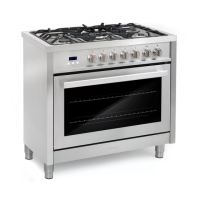
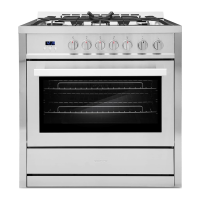
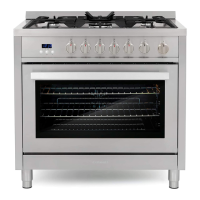
COS-ERC365KBD (36")
#
CONTROL PANEL
The appearance of the knobs may vary from what is shown below.
Name Description
1 Cooktop element
2
To turn the front left dual-element on and off.
Cooktop element
3 Light
To turn the rear left single-element on and off.
4
To turn the oven light on and off.
Display
5
To show the time and provide oven status.
Cooktop element
6
To turn the rear middle single-element on and off.
Cooktop element
7 Cooktop element
To turn the rear right single-element on and off.
8
To turn the front right dual-element on and off.
Timer On/Off
9
To turn the timer on and off.
Settings
10 Up
To access various oven settings.
11 Down
To select oven temperature, settings, and time.
12 Start/OK
To select oven temperature, settings, and time.
13
To start the oven cooking and confirm settings.
Cancel/Off To cancel the oven cooking and exit settings.



 To Next Page