17
SETTINGS
The oven has a variety of settings which can be accessed and adjusted using
the SETTINGS button. These settings can only be adjusted or activated while
no oven operation is in progress. All adjustments remain in the control's
memory after a power failure or until changed.
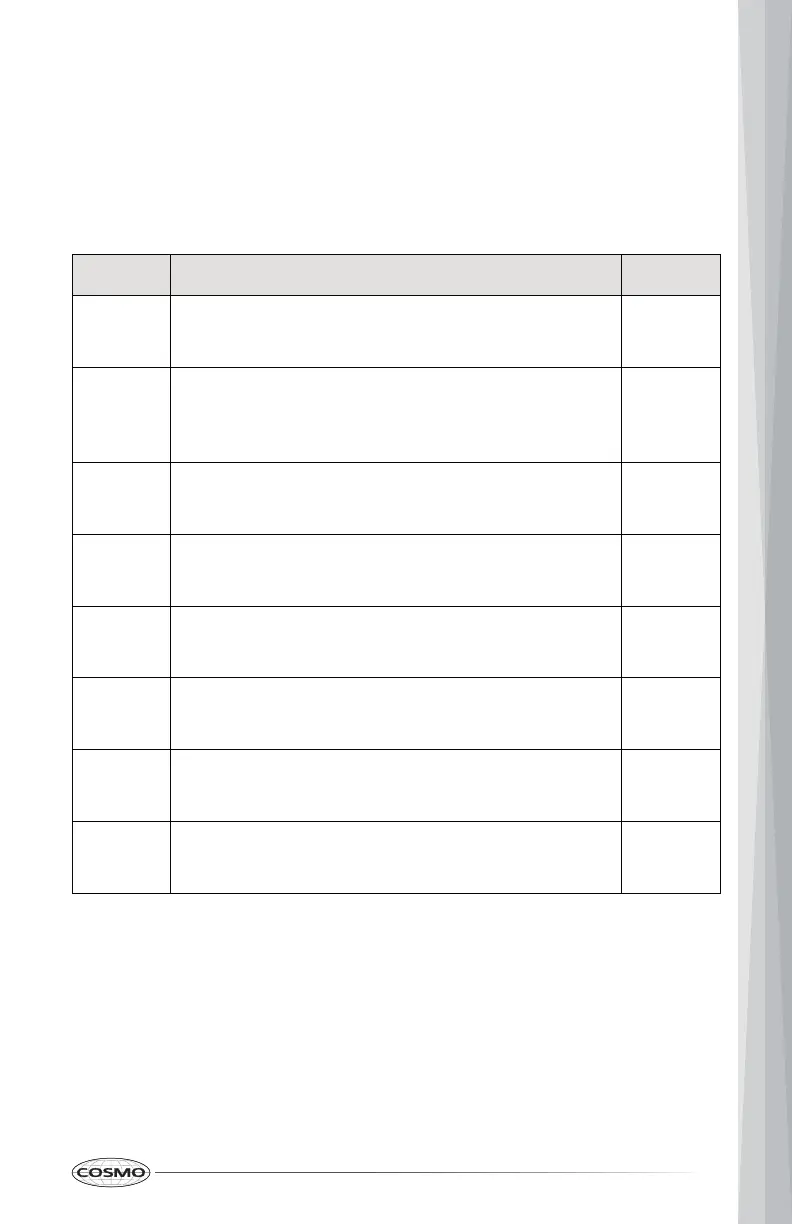
Settings Description Default
CLO Clock
• Set the time of day.
12:00
F-C Temperature Scale
• Switch the temperature scale between
Fahrenheit and Celsius.
°F
Son Sound
• Turn control button sound on or off.
On
Err Error Code Record
• Display the last 5 system error codes.
Null
CAL Oven Temperature Calibration
• Adjust the oven offset temperature.
00°F
UEr System Firmware Version
• Display the system firmware version.
dIS Demo Mode
• Turn demo mode on or off.
Off
rES Reset
• Reset all the settings to factory defaults.


 To Next Page