33
5-2. RS-232 Port Operating
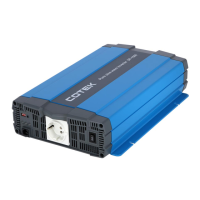
The following steps show the connection among inverter and computer.
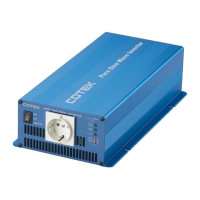
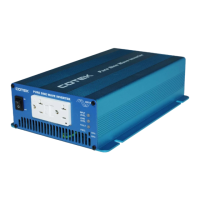
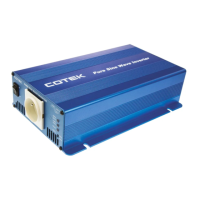
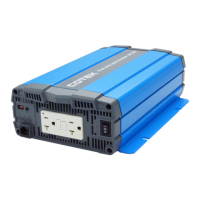
Step 1 Connect the RS-232 port to the SP series unit on the front panel
Step 2 Run the computer communication program
Step 3 Set the transmission protocol
Byte structure: START-BIP – 8 BIT DATA-STOP BIT
Baud rate: 4800
Step 4 Select the COM port and start the operation
5-3. Example of RS-232 Port Operating
5-3-1. RS-232 command format
This unit uses high-level language commands starts with CR (0DH)
and LF(0AH) as the end of the command, The system would
interpret and execute the command only after these two characters
are received. After the unit executes the command, it would send a
response string to the computer
The response string is as follows:


 To Next Page