have the PIR set to L (<10) , N (10-80), or H (>80),
the camera will also take photos when the PIR is
triggered. To turn the Time-Lapse option on, use
the ◄ and ► buttons to choose a time option. 3-
60 minutes and 2-8 hours. Once you have chosen
the time option you want, press OK to save the
setting. The camera will continuously take photos in
timed increments you set. Remember, this will
generate a lot of photos and you may want to limit
the number of photos being sent.
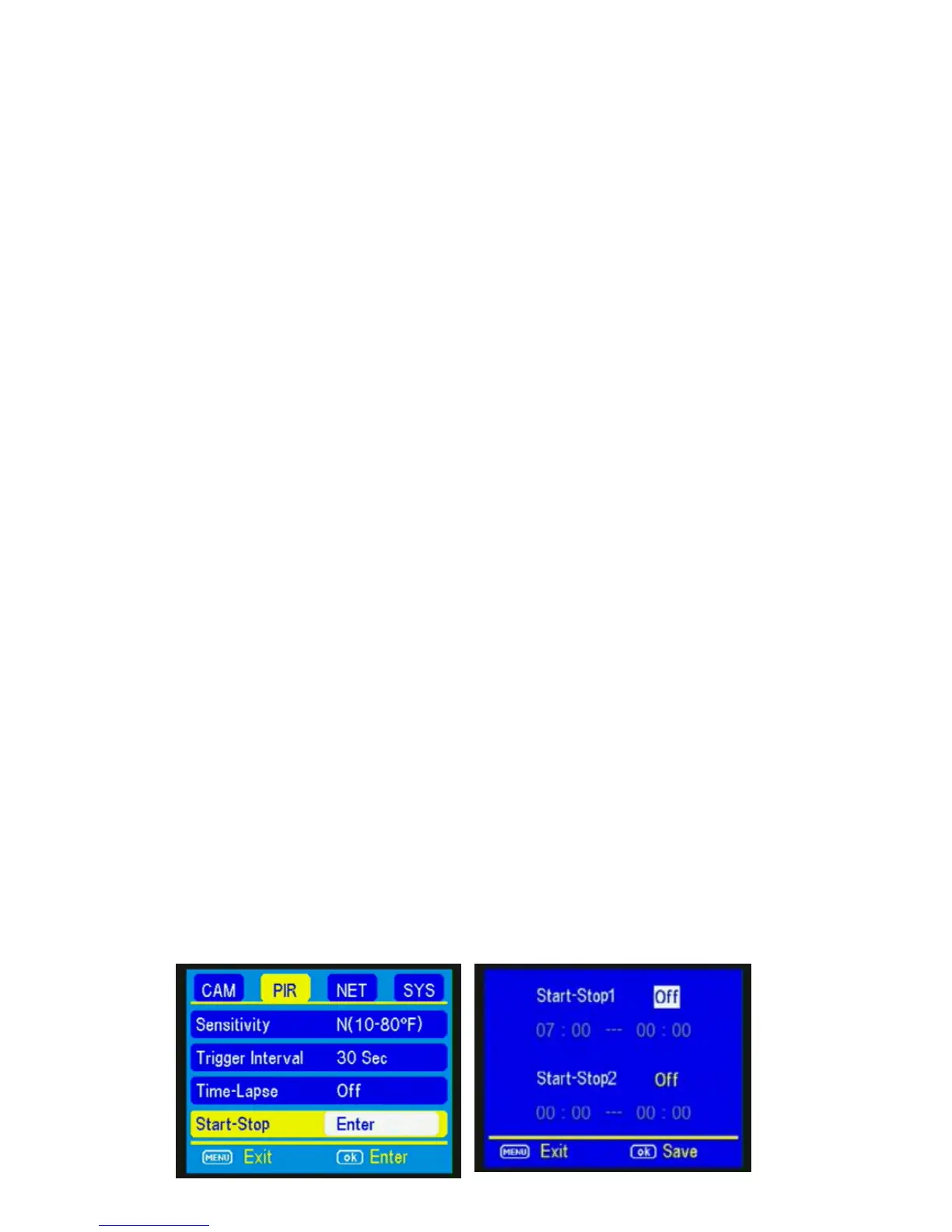
START-STOP: If you only want your camera to be
on during part of the day each day you can set the
Start-Stop function. The Blackhawk has a dual start-
stop option. Press the ▲ and ▼ buttons to
highlight the Start-Stop option. The default setting
is OFF. Press the ► button to toggle the setting to
ON and press OK. See Fig 15 & 16 below.



 To Next Page