Talos Operation and Service Guide
33
MAINTENANCE
Cleaning
The Talos bill validator will not need to be cleaned as often as magnetic sensing bill
acceptors. If cleaning is required, use a soft cloth moistened with a mild, non-abrasive
detergent.
You can clean the bill acceptor while it’s still mounted in the machine.
1. Remove power from the machine.
2. Unlatch the magazine by pushing the latch located on the top of the unit toward the
front of the unit.
3. Unhook and remove the magazine by holding the latch and lifting up and then back on
the magazine.
4. Unlatch the Lower Housing Assembly by lifting up on the metal bar.
5. Remove the Lower Housing Assembly by holding the metal bar and pulling back.
6. Clean the bill path with a soft cloth. You may use mild, non-abrasive, non-petroleum
based cleaners if sprayed on the cloth.
Bezel LED Error Flash Codes
When the unit is ready and enabled, the bezel LEDs will flash continuously. If the bezel
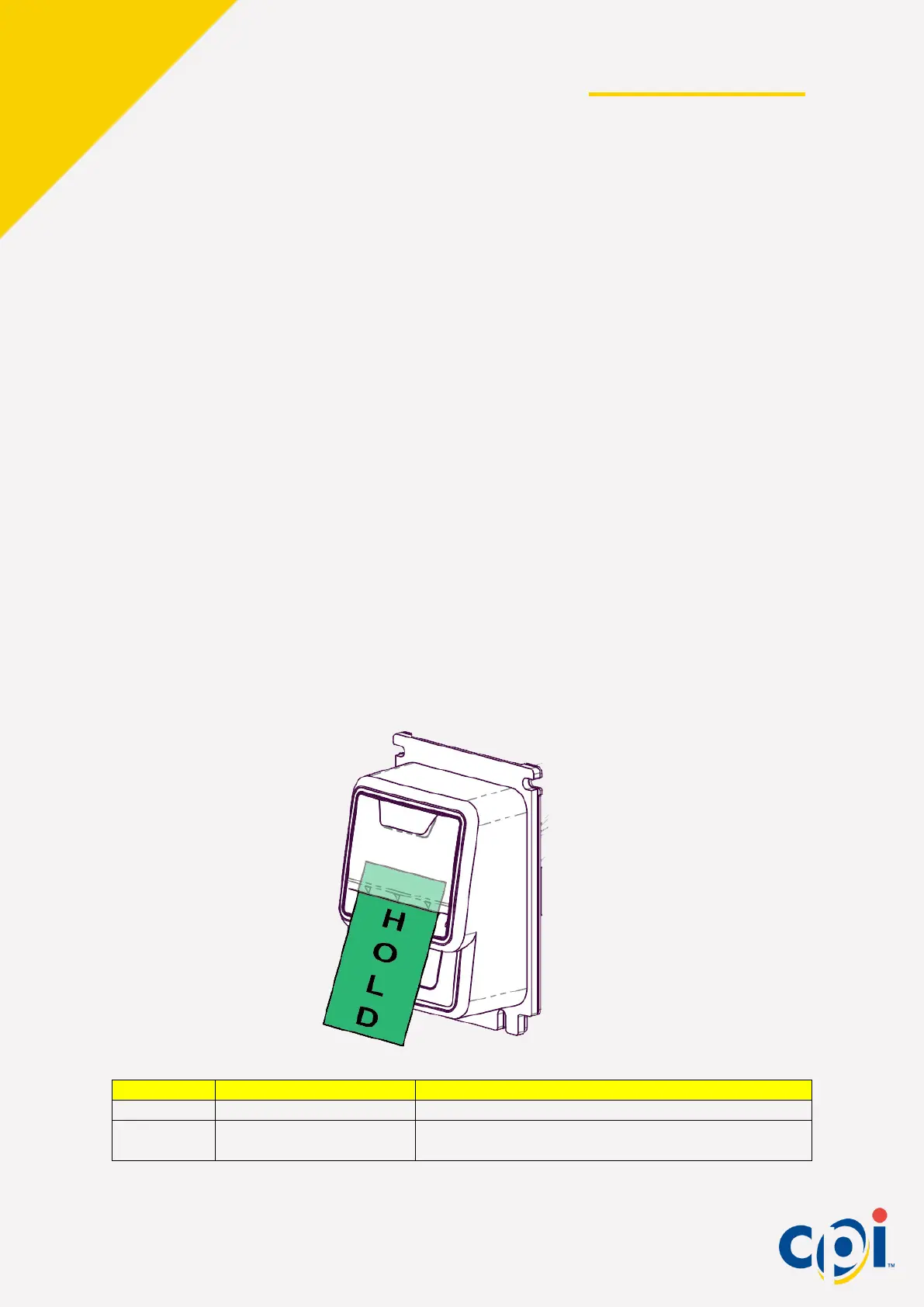
LEDs are off, the unit has an error. To determine the error, partially insert and hold a bill in
the bill path until the bezel lights flash. Count the flashes and refer to the chart below.
Restore power to the validator or vendor
Check for jams. Remove bill magazine and lower
housing assembly and inspect


 To Next Page