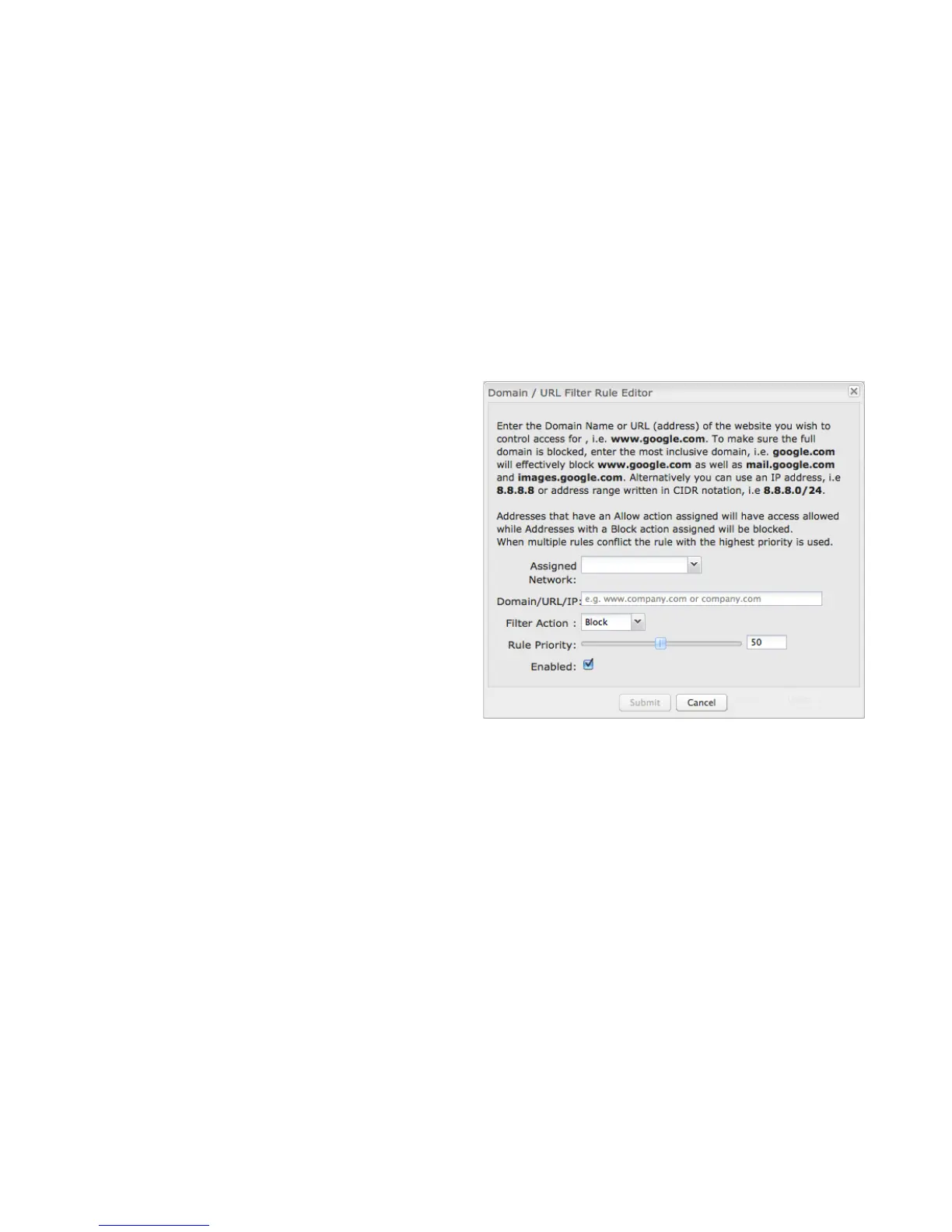
Click Add or Edit to open the Filter Rule Editor.
• Assigned Network: Select either “All Networks” or one
of your LAN networks from the dropdown list.
• Domain/URL/IP: Enter the Domain Name or URL
(address) of the website you wish to control access for,
e.g. www.google.com. To make sure the full domain is
blocked, enter the most inclusive domain (e.g.
google.com will effectively block www.google.com as
well as maps.google.com and images.google.com).
Alternatively you can use an IP address, e.g. 8.8.8.8, or
address range written in CIDR notation, e.g. 8.8.8.0/24.
• Filter Action: Select Block or Allow.
• Rule Priority: Higher number rules overrule lower
number rules.
• Enabled: A rule can be enabled or disabled by
selecting or deselecting the checkbox.
Click Submit to save your rule changes.















 To Next Page