6.1.2 Default Filter Settings
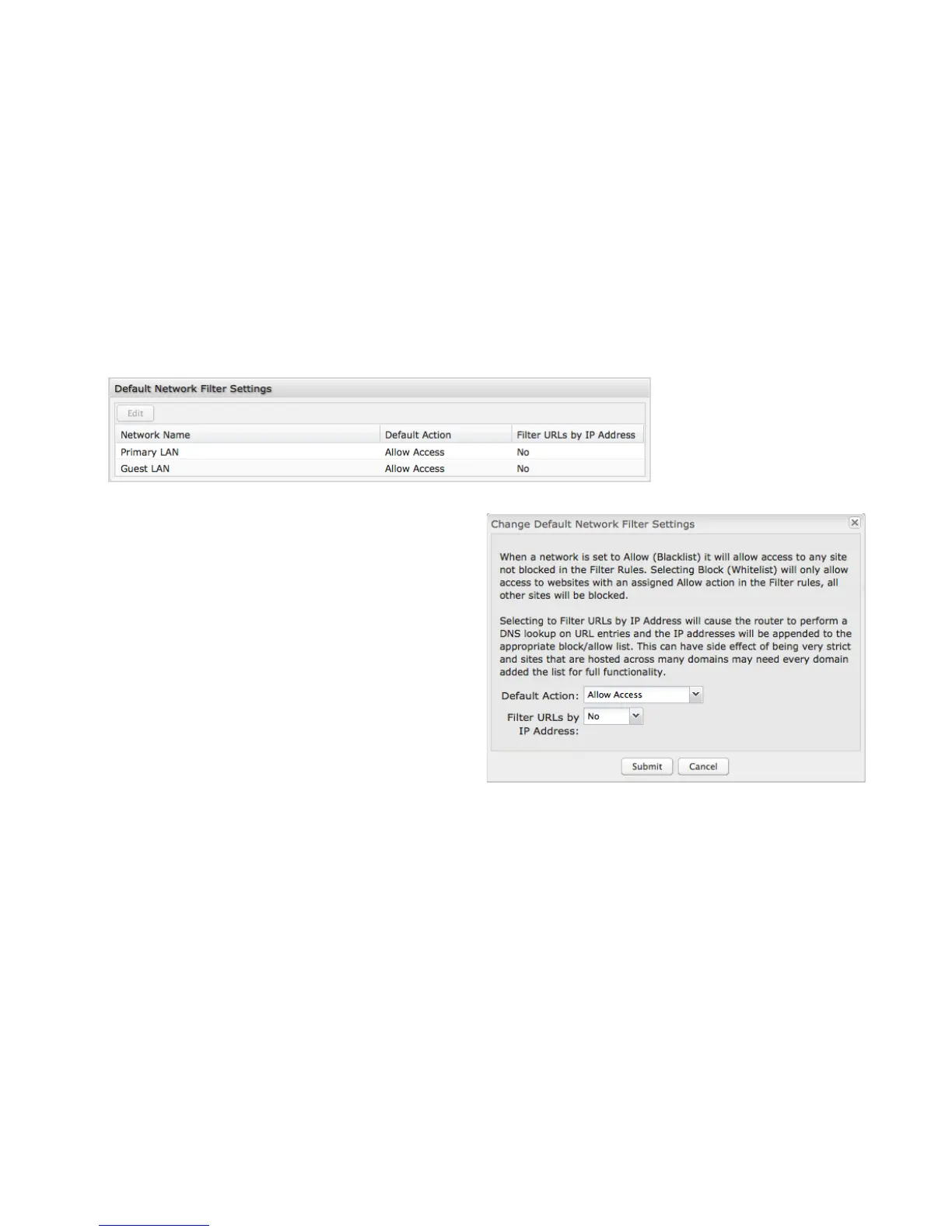
Use Default Network Filter Settings together with Network
WebFilter Rules to control website access. All of your networks
are set to allow website access by default. Select a network and
click Edit to change the default filter settings.
Default Action: Select from the following dropdown options:
• Allow Access (default)
• Block Access
When a network is set to Allow Access, it will allow access to
sites not specifically blocked in the WebFilter Rules.
When a network is set to Block Access, it will block access to
sites not specifically allowed in the WebFilter Rules.
Filter URLs by IP Address: (Default: No) Changing this option
to “Yes” will cause the router to perform a DNS lookup on URL
entries, and the IP addresses will be appended to the
appropriate block/allow list. This can have the side effect of
being very strict; sites that are hosted across many domains may need every domain added to the list for full functionality.















 To Next Page