CRADLEPOINT CBR400| USER MANUAL Firmware ver. 3.3.0
© 2011 CRADLEPOINT, INC. PLEASE VISIT HTTP://KNOWLEDGEBASE.CRADLEPOINT.COM/ FOR MORE HELP AND RESOURCES PAGE 104
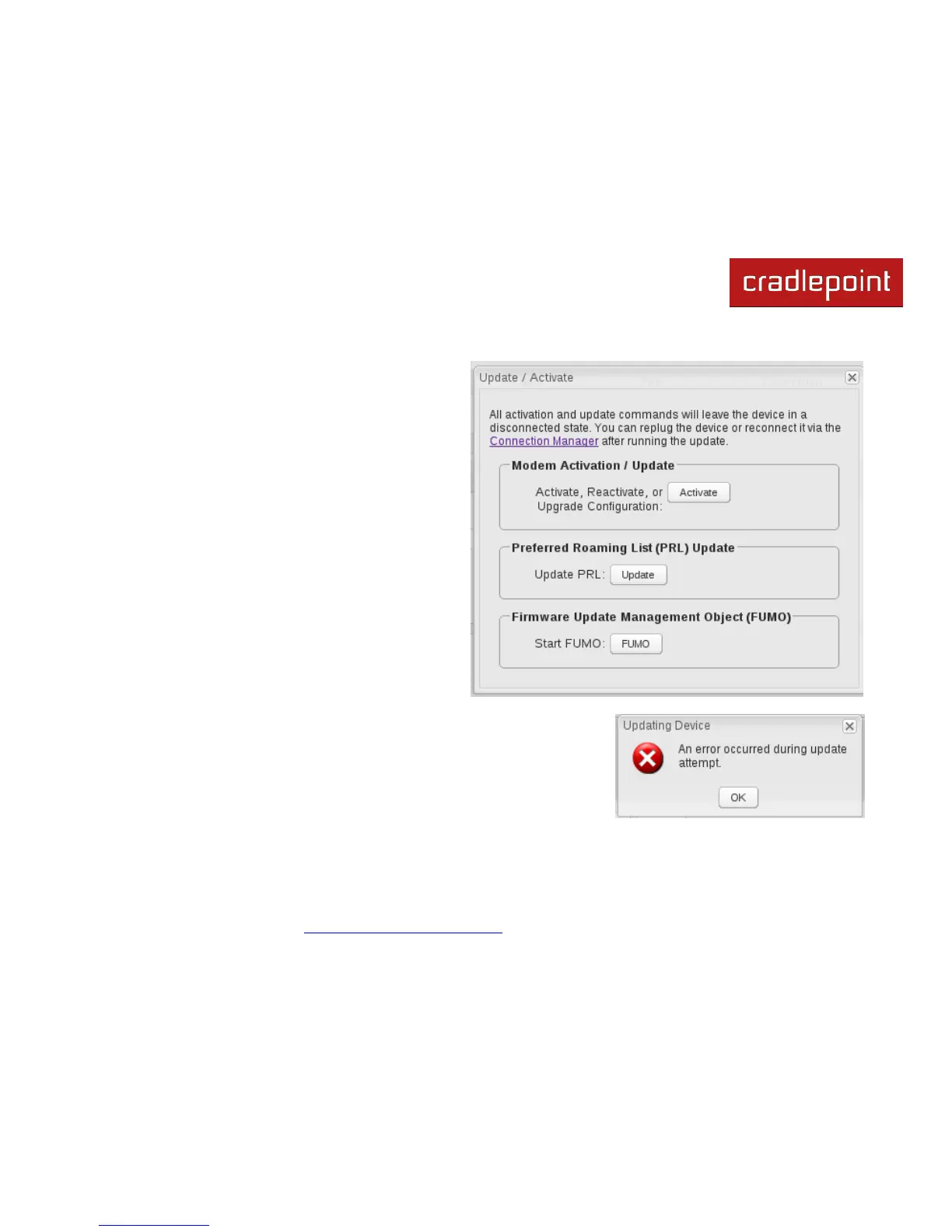
The modem supports Update/Activate methods: A
message will display showing options for each supported
method:
Modem Activation / Update: Activate, Reactivate,
or Upgrade Configuration.
Preferred Roaming List (PRL) Update
Firmware Update Management Object (FUMO)
Click the appropriate icon to start the process.
If the modem is connected when you start an operation
the router will automatically disconnect it. The router may
start another modem as a failover measure. When the
operation is done the modem will go back to an idle state,
at which point the router may restart it depending on
failover and failback settings.
NOTE: Only one operation is supported at a time. If you try to start
the same operation on the same modem twice the UI will not report
failure and the request will finish normally when the original request is
done. However if you try to start a different operation or use a
different modem, this second request will fail without interfering with
the pending operation.
Process Timeout: If the process fails an error message will display.
Activation has a 3-minute timeout, PRL update has a 4-minute timeout, and
FUMO has a 10-minute timeout.















 To Next Page