CRADLEPOINT CBR400| USER MANUAL Firmware ver. 3.3.0
© 2011 CRADLEPOINT, INC. PLEASE VISIT HTTP://KNOWLEDGEBASE.CRADLEPOINT.COM/ FOR MORE HELP AND RESOURCES PAGE 103
7.6 Modem Settings
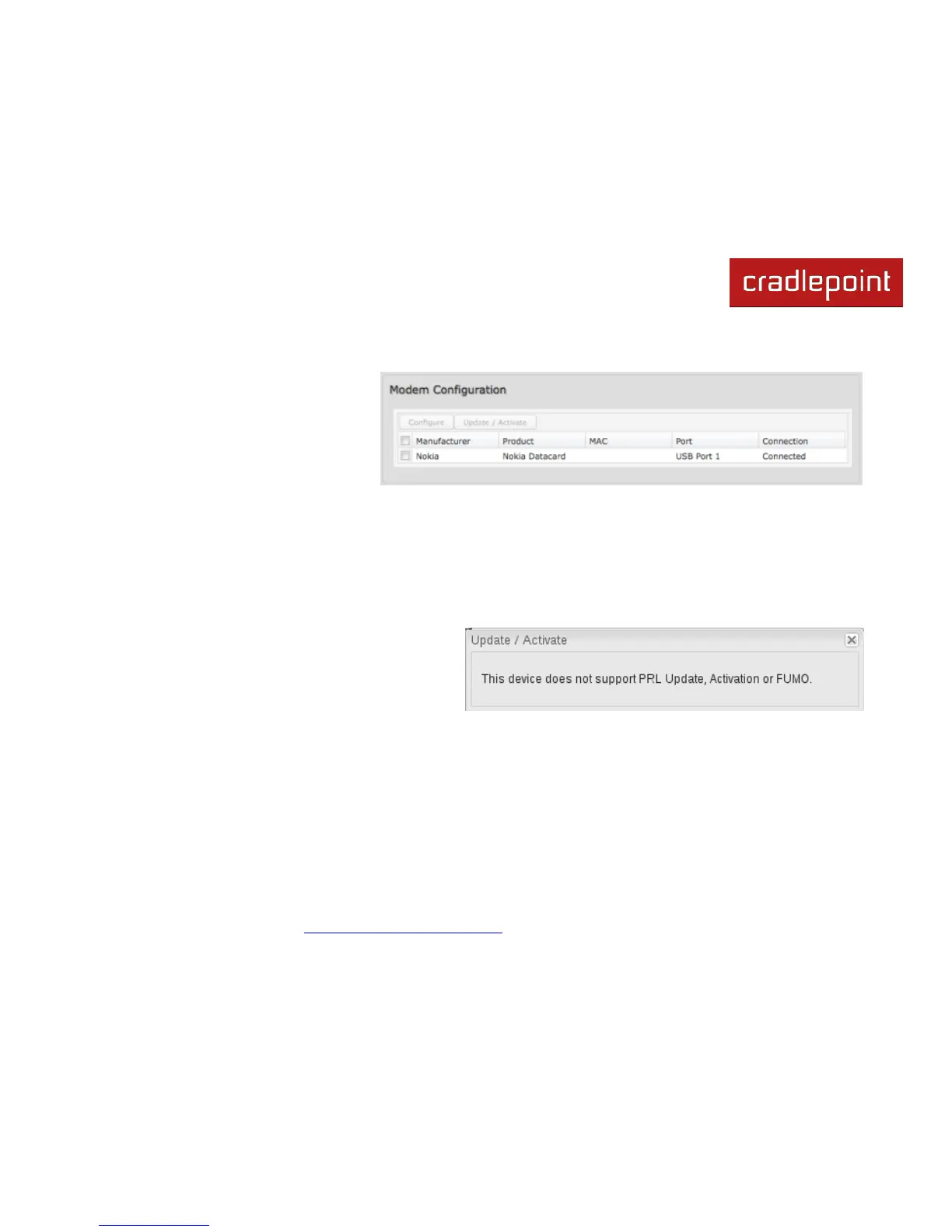
This section shows all attached modems
and allows you to change settings. If you
have a 3G/4G dual-mode modem it will
show both modems using the same USB
port.
7.6.1 Update/Activate a Modem
Some 3G modems can be updated and activated while plugged into the router. Updates and activation methods vary by
modem model and service provider. Possible methods are: PRL Update, Activation, and FUMO. All supported methods
will be displayed when you select your modem and click ―Update/Activate‖. If no methods are displayed for your device
then you will need to update and activate your device externally.
To update or activate a modem, select the checkbox next to the device and click ―Update / Activate‖.
The modem does not support Update/Activate
methods: A message will state that there is no support
for PRL Update, Activation, or FUMO.















 To Next Page