Page 42Vortex8 User Manual
Version 1.2
7. Camera Sync
7.5 Calibrate Sync Cont.
This is a special mode used for calibrating the light to an external sync source, such as the FlashBandit sync box. It is used to make sure the camera
shutter and Creamsource are synchronised, to prevent the flash-banding eects when shooting on a CMOS sensor camera.
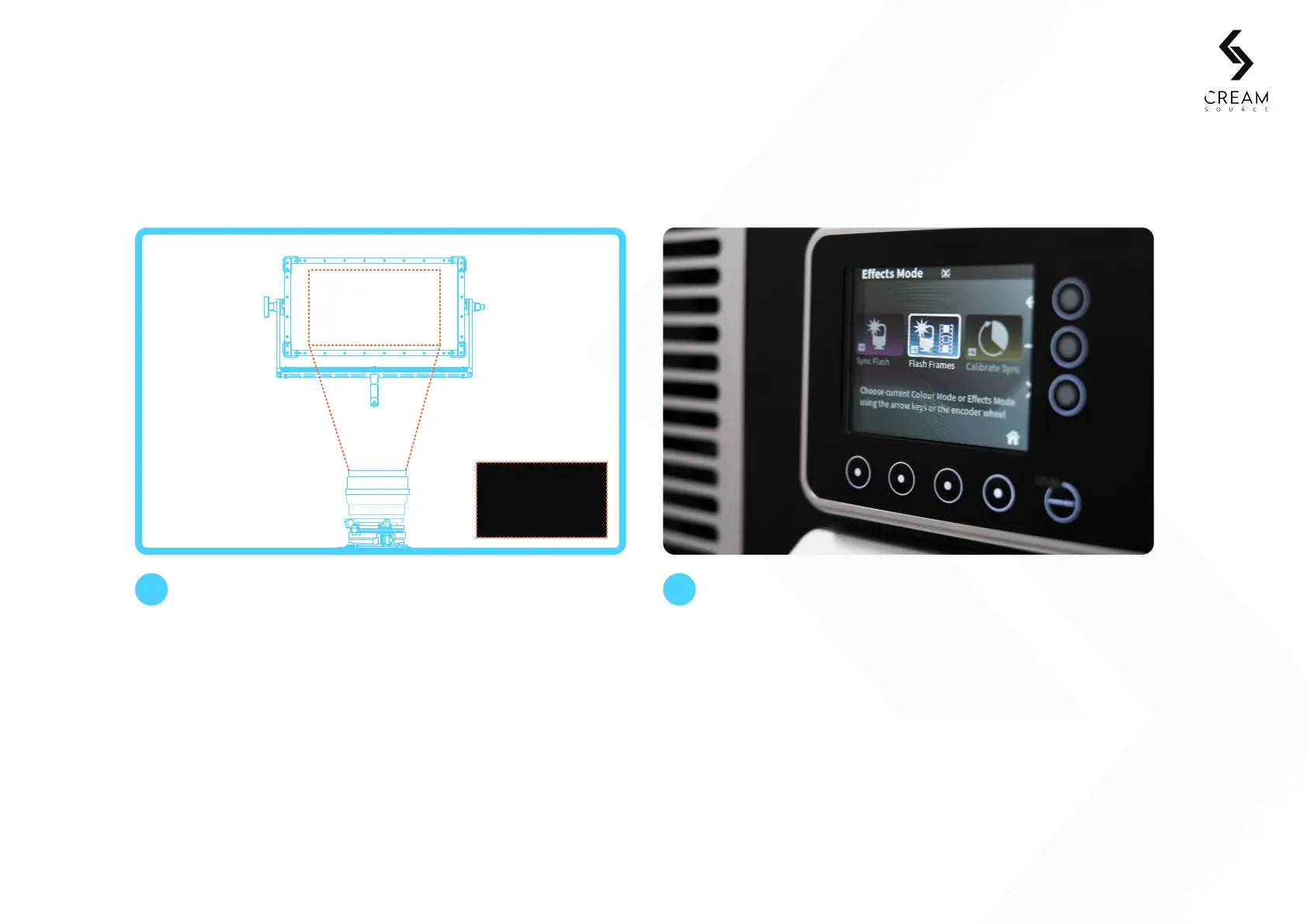
Adjust phase value on Calibrate Sync screen. As you change
the phase, a dark band should appear to move up and down
on the camera monitor. Adjust until the dark band fills the
monitor completely. Shooting with wide shutter angles and
at higher speeds reduces the size of the dark band, making
calibration more diicult.
3 4
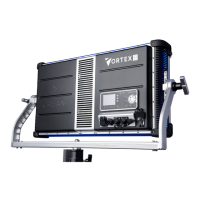
The Vortex8 is now calibrated. It can now be set to
desired eect mode (Normal, Strobe etc) E.g. Select
Eects > Flash Frames.
Camera Monitor


 To Next Page