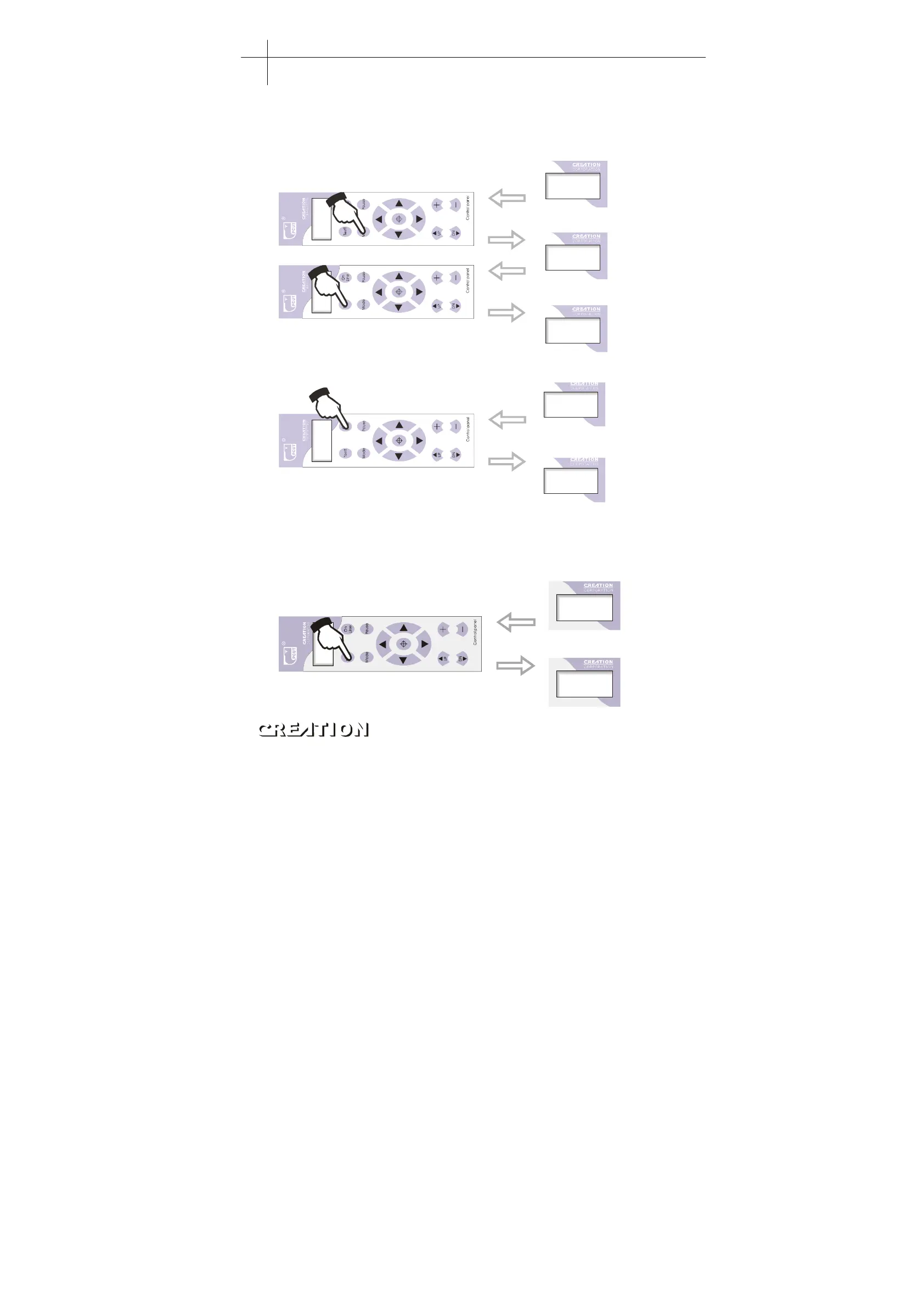
6.3.6.6 Save
When the adjustment of all parameters is completed, press“MODE”button to enter
“Knifepress”state, press “TEST”save the parameters already set. When the
machine is set or turned off, the saved parameters will remain。
Kni f pr es
100
Save Dat a. .
X+0. 00
Y+0. 00
On Line...
Press ON LINE again, the
machine becomes online and
is ready to run.
“”
X+0. 00
Y+0. 00
Off-line state
Press MODE to enter knife
press and save interface
“”
Press TEST to save the
parameters set
“”
When the setting is completed,
the machine will accept it as a
default state
6.3.6.7 Readjustment of initial value
When client disorders speed and other parameters therefore having no way to work
and lack experience to back to ideal cutting state, he can adjust it to initial value.
Operating procedures: Press“MODE”to enter“Scut Sped”state。
Scut Sped
00350
Loadat a
Press TEST to readjust
initial value.
“”
Plotting servo machine PCUT S operating instructions PCUT SERIES USER
‘
S MANUAL
34



 To Next Page