vi
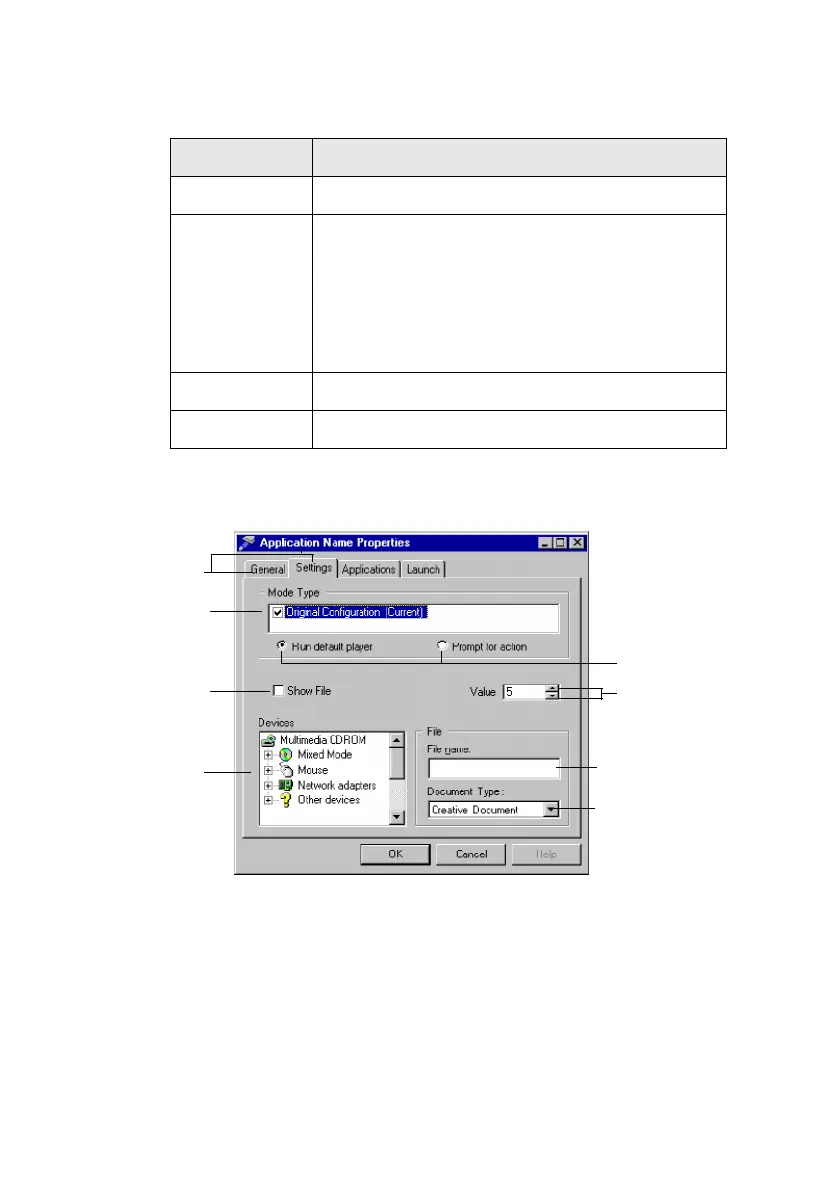
If you are not familiar with the elements found in a typical dialog box,
refer to the following figure:
Table ii: Text conventions.
Text In Represents
bold Text that must be entered exactly as it appears.
italic
Title of a book.
Otherwise, when presented at the DOS command
line, it is a placeholder that represents
information you must provide.
This information usually appears in the
parameter listing after the command is presented.
UPPERCASE Directory name, file name, or acronym.
< > Symbols, letters, and key names on the keyboard.
Figure i: Elements of a dialog box.
Tabs
Check box
(selected)
Option
buttons
Up/Down
buttons
Drop-down
list box
Text box
List box
Check box
(cleared)
This manual downloaded from http://www.manualowl.com



 To Next Page