Installing Software in Windows 95 2-1
2
Installing Software in Windows 95
This chapter shows you how to install the audio software in Windows
95 after installing your card. It consists of the following sections:
❑
Setting Up the Audio Drivers
❑
Installing the Applications
❑
Testing the Installation
❑
Uninstalling the Applications
Setting Up the Audio Drivers
You need device drivers to control the components on your audio card.
After you have installed the card and switched on your system,
Windows 95 automatically detects the components, and either installs
the drivers or prompts you for the drivers. You may encounter the
following messages, which may not be in the sequence shown.
❑
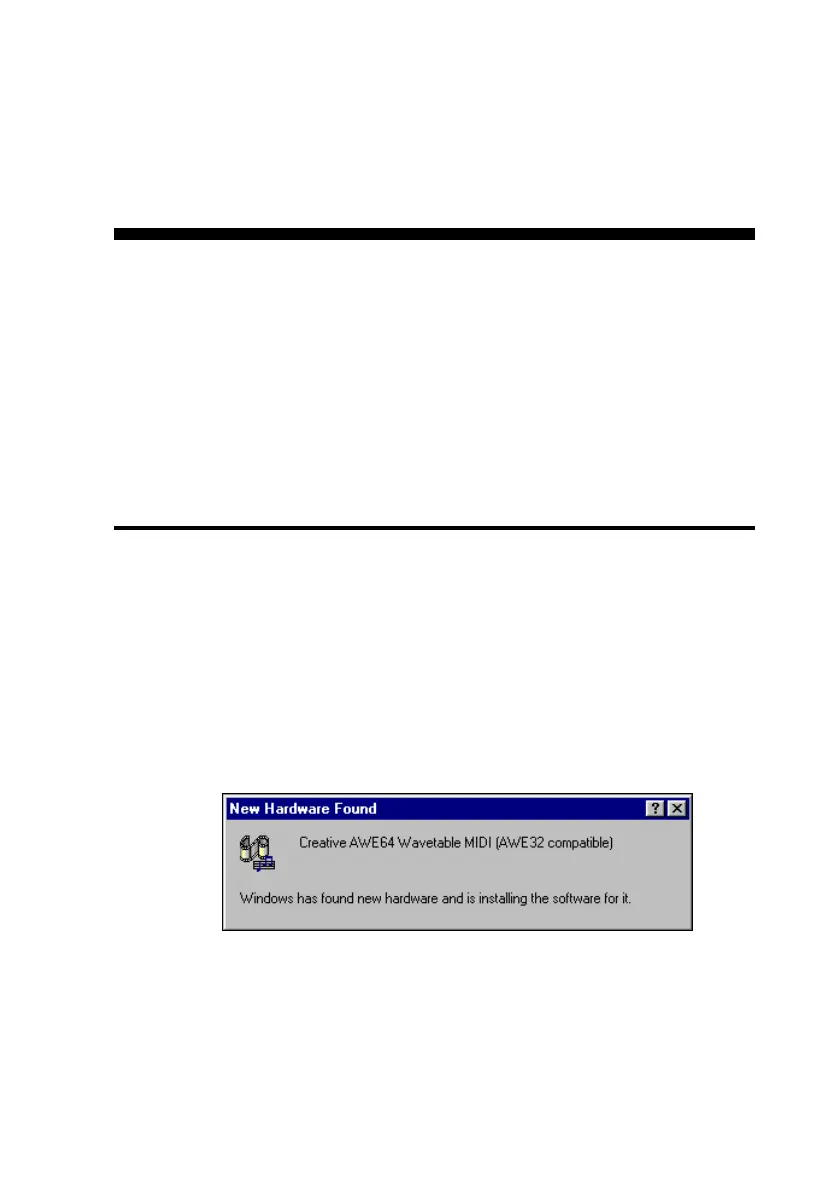
If a message similar to Figure 2-1 appears, just take note of it
and wait for the next message to appear.
Figure 2-1: Message box indicating the detection of a device.
This manual downloaded from http://www.manualowl.com



 To Next Page