2-2 Installing Software in Windows 95
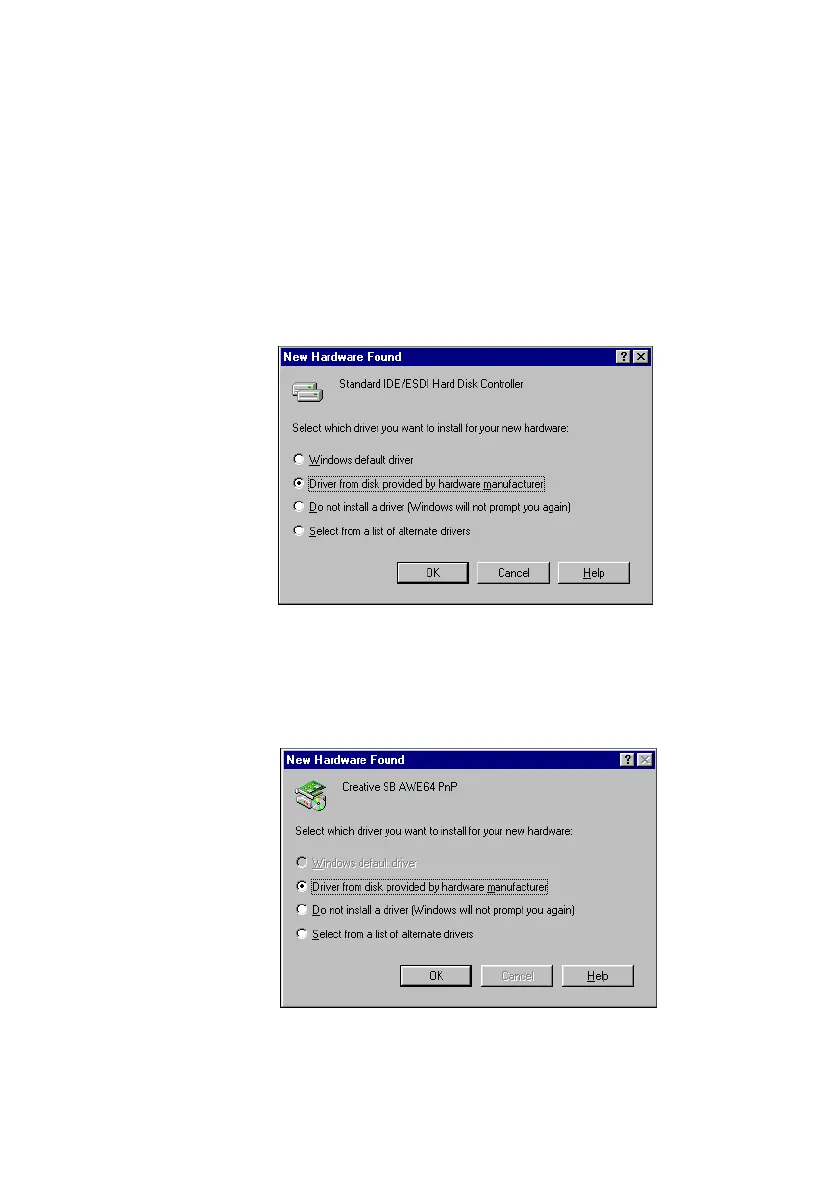
❑ If a dialog box similar to Figure 2-2 appears:
If the device detected is Standard IDE/ESDI Hard Disk
Controller:
• Click the second option, and then click the OK button.
Otherwise:
• Click the first option, and then click the OK button. If you
are prompted for the Windows 95 installation diskette or
CD-ROM, insert it into a drive and click the OK button.
❑ If a dialog box similar to Figure 2-3 appears, click the second
option, and then click the OK button.
Figure 2-2: Driver installation dialog box in which the Windows default driver
option is available.
Figure 2-3: Driver installation dialog box in which the Windows default driver
option is NOT available.
This manual downloaded from http://www.manualowl.com



 To Next Page