Installing Software in Windows 95 2-3
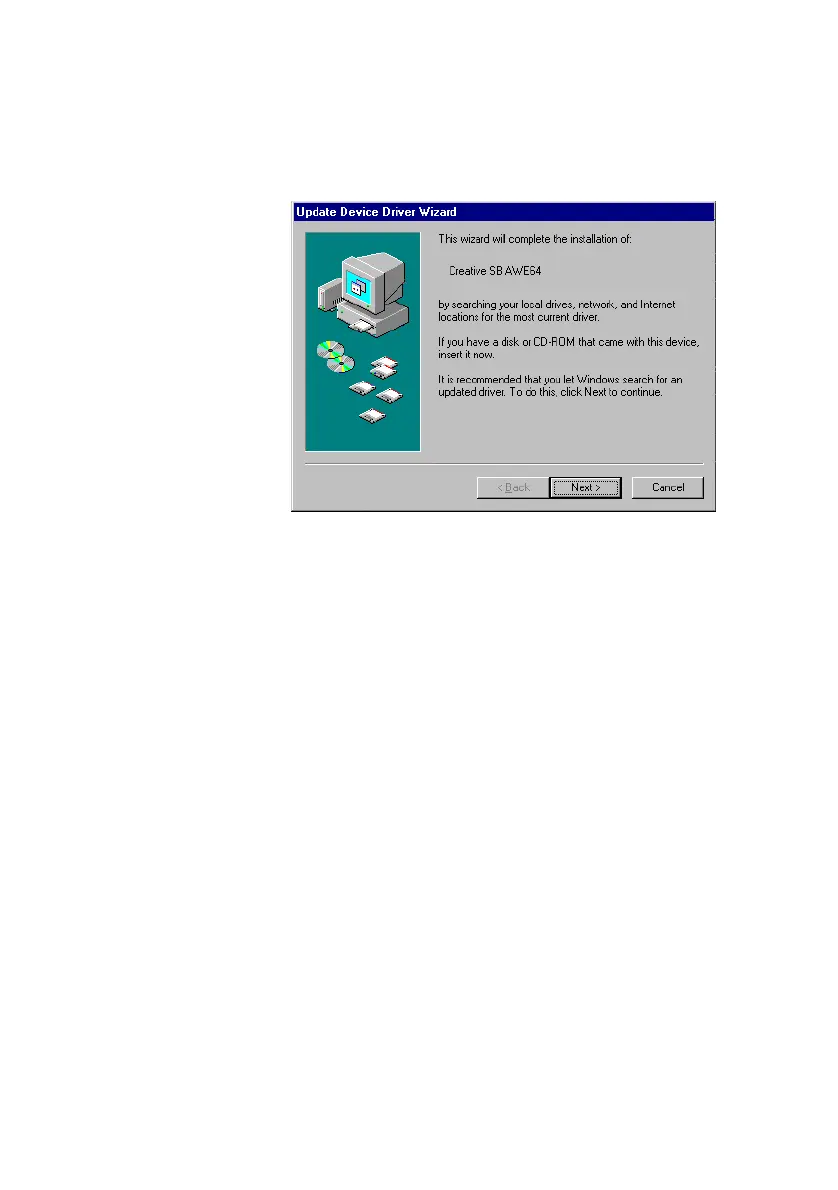
❑ If a dialog box similar to Figure 2-4 appears, click the Next
button, and follow the instructions on the screen to complete
the installation of the driver.
❑ If the Install From Disk dialog box appears, and
If your package comes with a Drivers Disk:
• Insert it into your floppy disk drive, select the appropriate
drive, and click the OK button.
Otherwise:
1. Insert the installation CD-ROM into your CD-ROM drive
and select the drive.
2. Click the Browse button and look for a .INF file in the root
directory.
If you cannot find it, select the folder
\WIN95\Language\DRIVERS, where
Language
is the
language of the software that you want to install.
3. Click the OK button.
The required files are copied to your hard disk.
Figure 2-4: Update Device Driver Wizard dialog box at start of installation.
This manual downloaded from http://www.manualowl.com



 To Next Page