Contents [ hide
1 Unpacking Creative SXFI CARRIER
2 Package Contents
2.1 Soundbar
2.2 Subwoofer
3 Overview – Creative SXFI CARRIER
4 Overview – Creative SXFI CARRIER
4.1 Rear Connectivity – Soundbar
4.2 Rear Connectivity – Subwoofer
5 Overview – Creative SXFI CARRIER
5.1 Remote Control
6 Overview – Sound Modes
7 Setup and Care
8 Setting up Creative SXFI CARRIER
8.1 Connecting a Power Source
9 Setting up Creative SXFI CARRIER
9.1 Setting Up the Soundbar
10 Setting up Creative SXFI CARRIER
10.1 Setting Up the Soundbar
11 Setting up Creative SXFI CARRIER
12 Setting up Creative SXFI CARRIER
12.1 Setting Up the Subwoofer
13 Mobile App – Creative
14 Wall Mounting Creative SXFI CARRIER
(Optional)
14.1 Preparation Materials
15 Wall Mounting Creative SXFI CARRIER
(Optional)
15.1 Preparation Materials
16 Technical Specifications
17 Support Information
18 File Downloads
19 References
20 Related Manuals
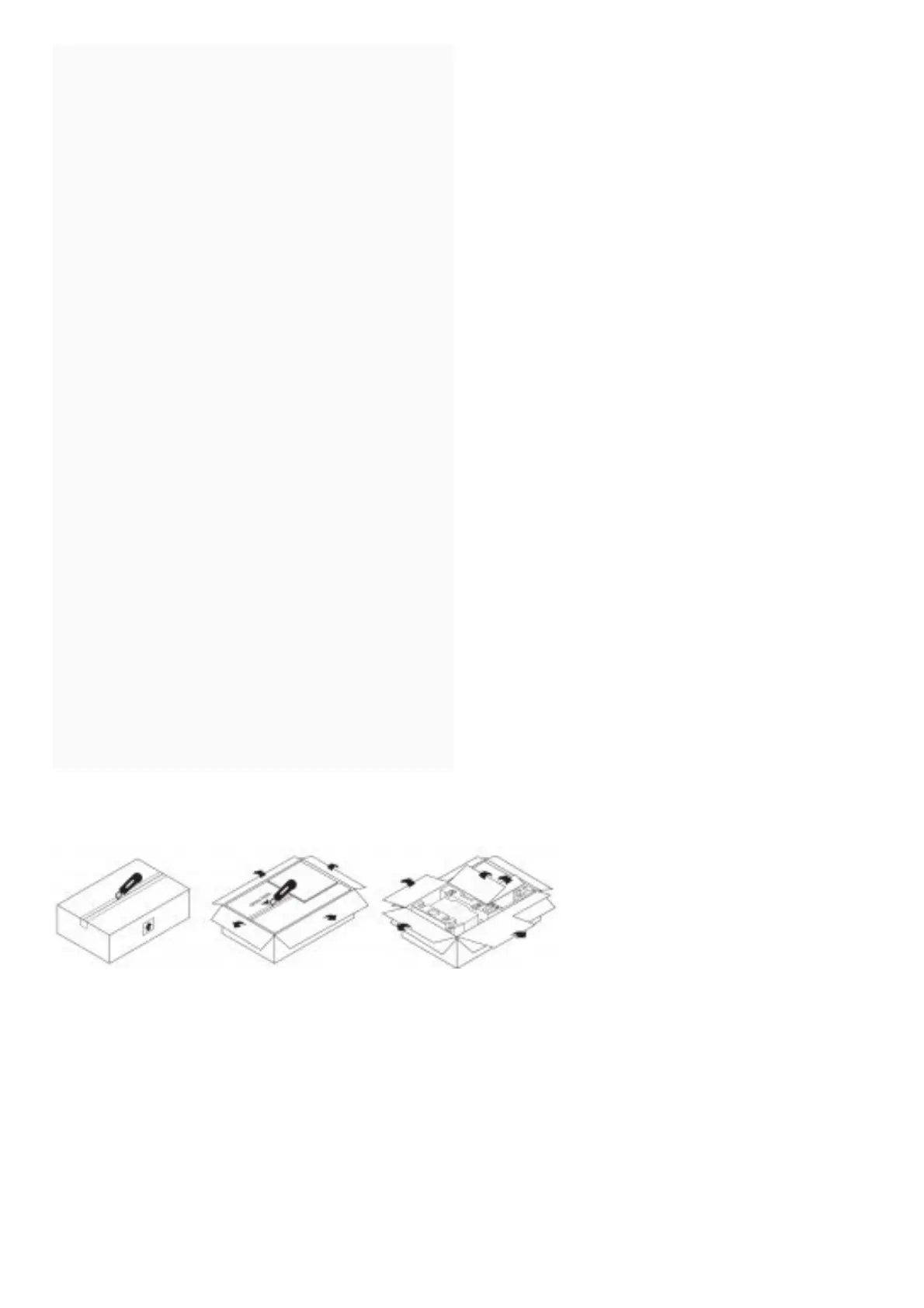
Unpacking Creative SXFI CARRIER
Ensure shipping box faces the correct direction
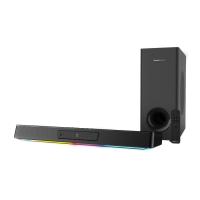
Carefully remove both sound bar and subwoofer from the box






 To Next Page