1. SUB IN
3.5 mm Subwoofer Analog-in
2. SERVICE
Strictly used for firmware updates only
3. Status LED
Solid Red: Standby Mode
Solid Green: Powered On and Connected
Blinking Green: Pairing Mode
4. RESET
Wireless Connection Reset: Press and hold for 8s or until LED blinks twice in red
5. AC IN
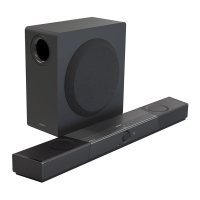
Overview – Creative SXFI CARRIER
Remote Control






 To Next Page