Getting Started 2-2
Using the USB
cable
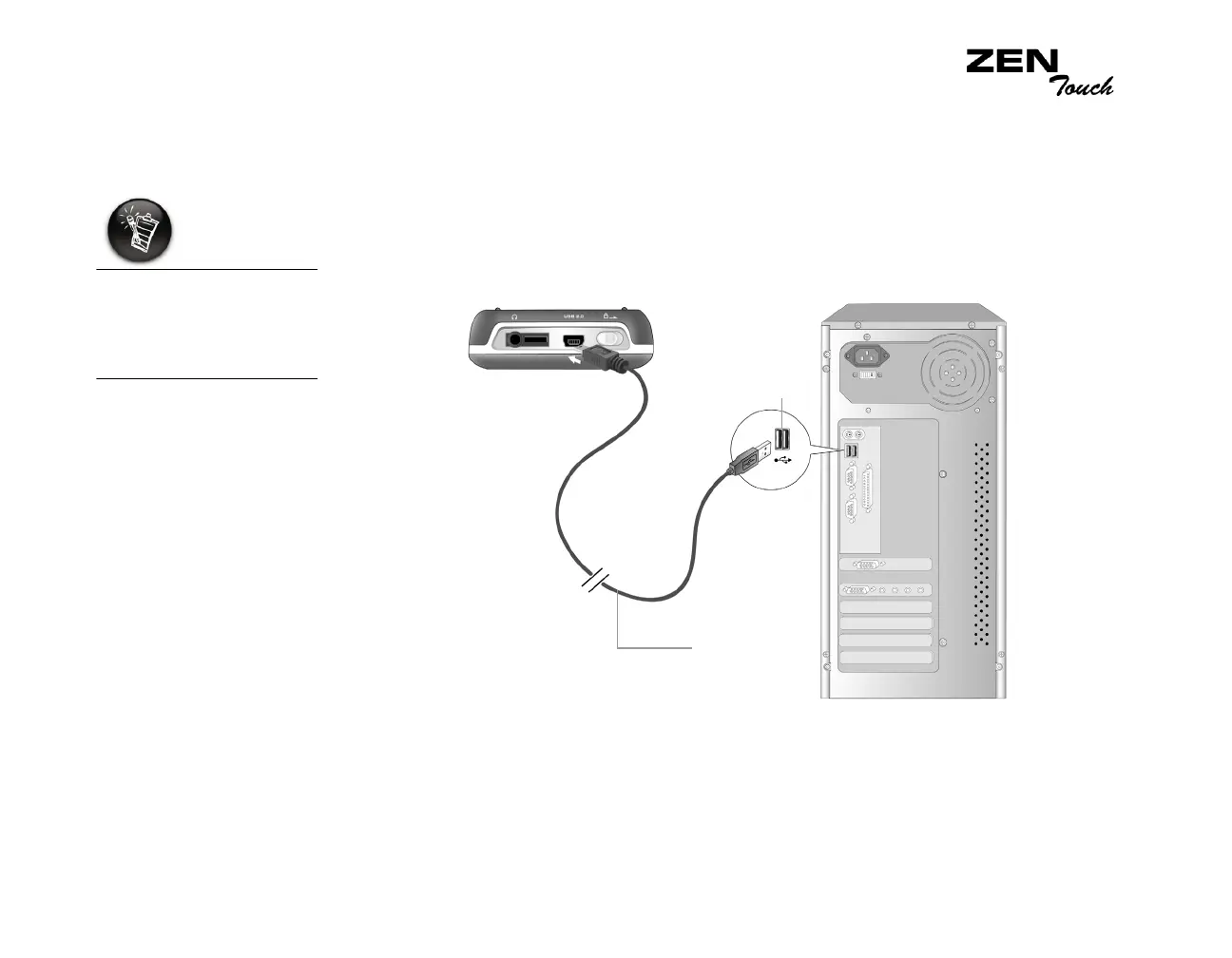
You can also charge your player’s battery using the supplied USB cable.
Connect the USB cable to your player and computer’s USB ports, as shown
in Figure 2-2.
Make sure that your player is turned off, and Creative MediaSource or
NOMAD Explorer is closed before charging using the USB port. The Power
button blinks blue when the battery is charging.
If your player turns on
as you are connecting
it to the USB port, turn
it off before you charge
the battery.
USB cable
USB port
Figure 2-2: Connecting the player using the USB cable.














 To Next Page