Playing and Managing Your Music 3-9
Finding a Music
Track in Music
Library
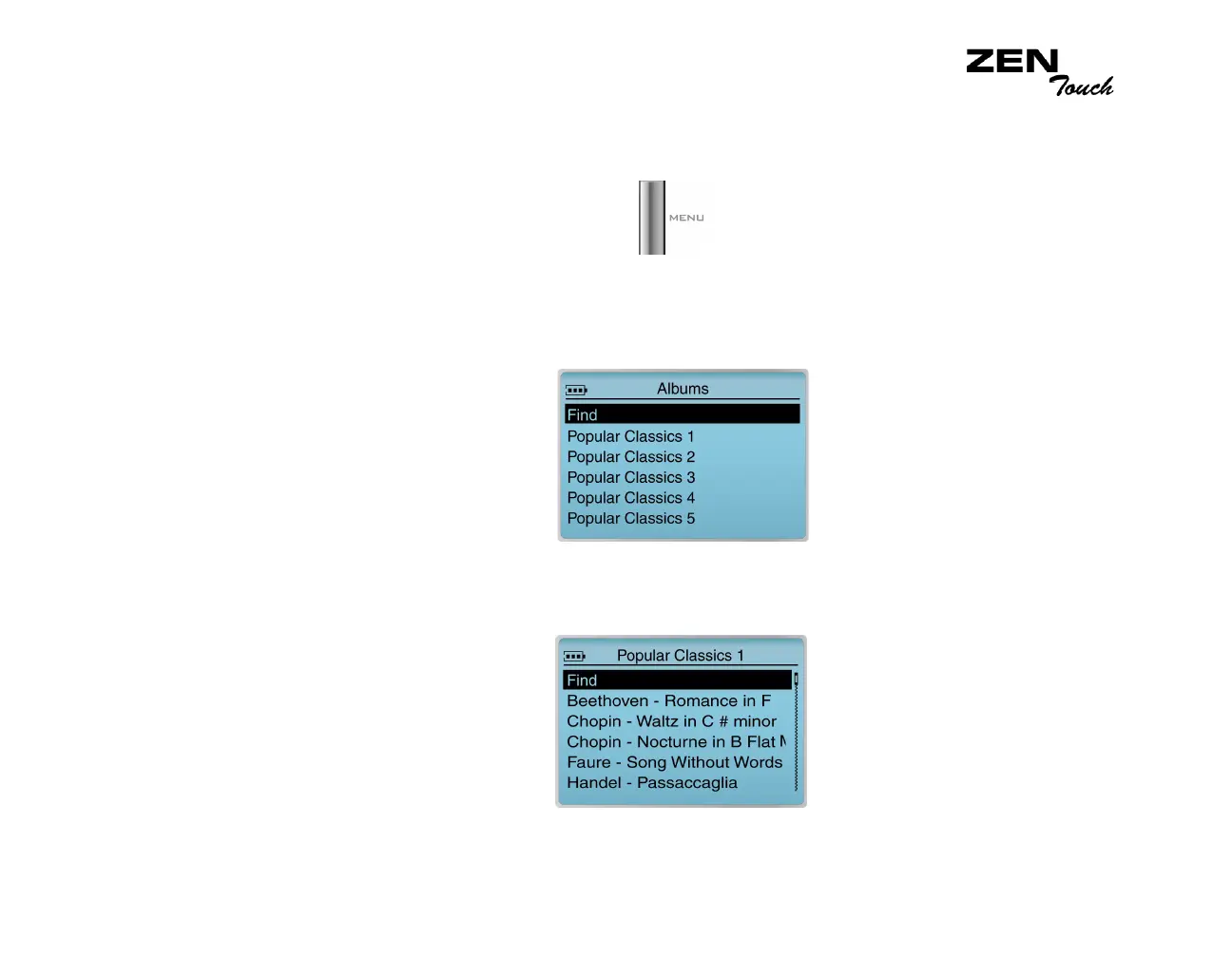
In the following example, you will be shown how to find a track by navigating
through Music Library.
1. Press the Menu button .
2. Select Music Library.
3. Select an audio category. For example, if you want to find a track in a
particular album, select Albums.
Note: If selecting All Tracks, go to Step 5.
4. Select the sub-category. For example, under Albums, select an album
title. A list appears.
5. Select View Tracks. The tracks within the sub-category appear.
6. Select Find. A list appears.
7. Select a letter on the list to search for your track.














 To Next Page