Playing and Managing Your Music 3-27
Locking and
unlocking your
Player
Locking your player will disable all buttons on the player. This feature is
useful when you do not want any buttons (for example, Play/Pause) pressed
accidentally.
To lock your
player
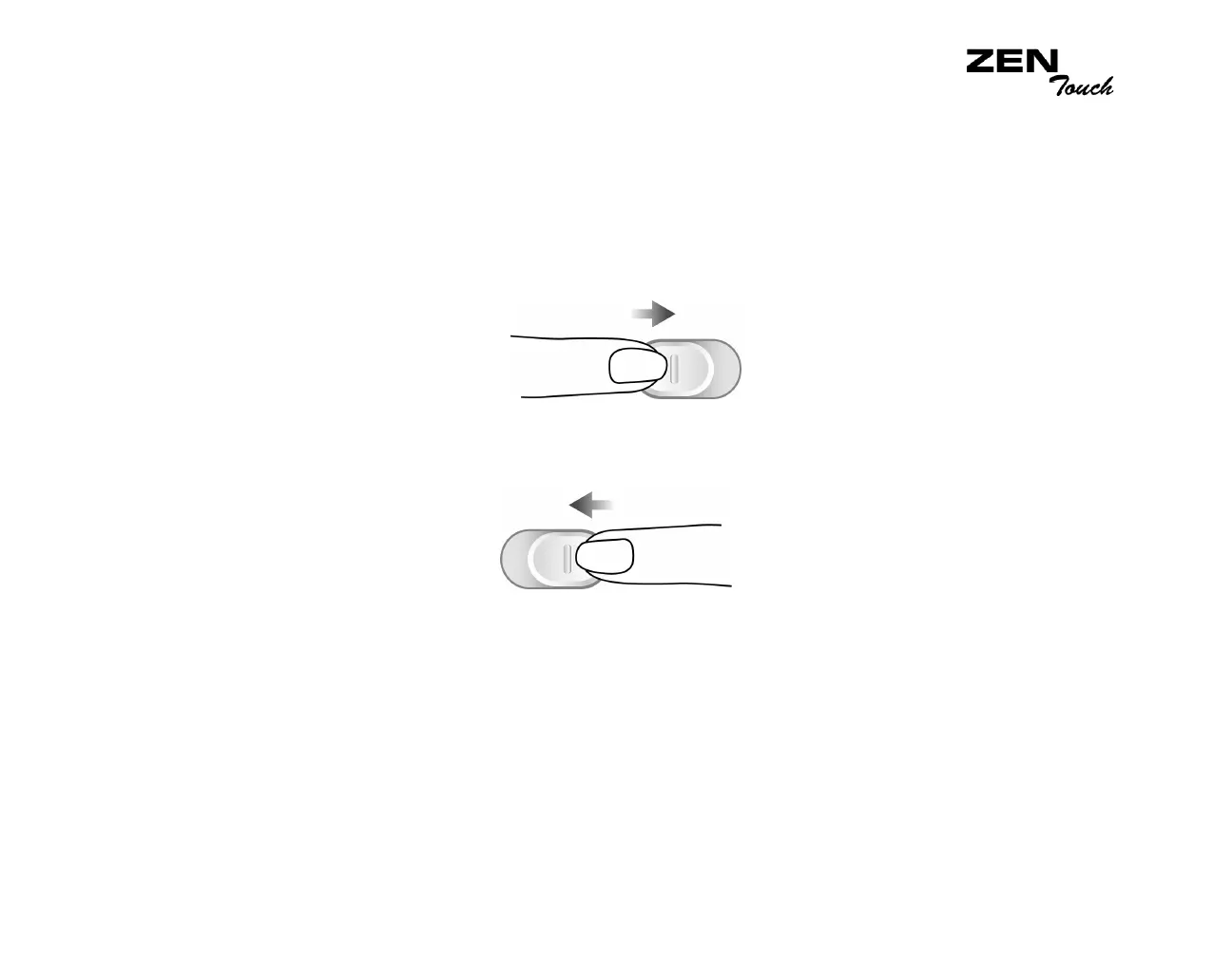
Slide the Lock switch to the right. The player is locked.
To unlock your
player
Slide the Lock switch to the left. The player is unlocked.














 To Next Page