Playing and Managing Your Music 3-25
To tap the touch pad control to select options, instead of pressing
the OK button
1. From the Settings menu, select TouchPad.
2. Select Tap to Select.
3. Select the option that you want.
To adjust the sensitivity of your touch pad control
1. From the Settings menu, select TouchPad.
2. Select Sensitivity.
3. Select the option that you want.
Language
This option controls the language in which your player’s menus are
displayed.
1. From the Settings menu, select Language.
2. From the menu, select a language.
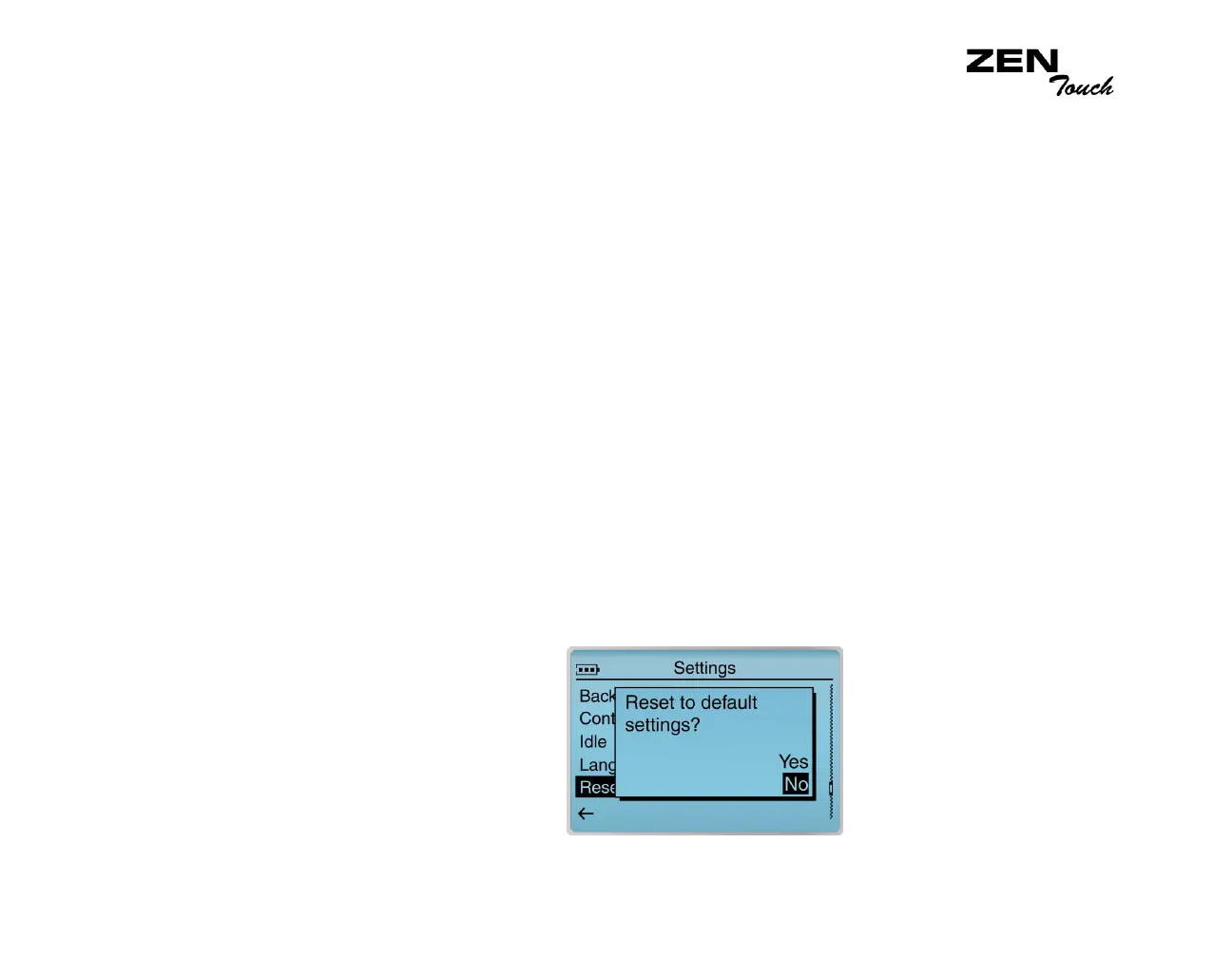
Reset Settings
This option resets your player’s settings to the default settings.
1. From the Settings menu, select Reset Settings. A confirmation window
appears.
2. Select Yes.














 To Next Page