Playing and Managing Your Music 3-21
Setting User
Preferences
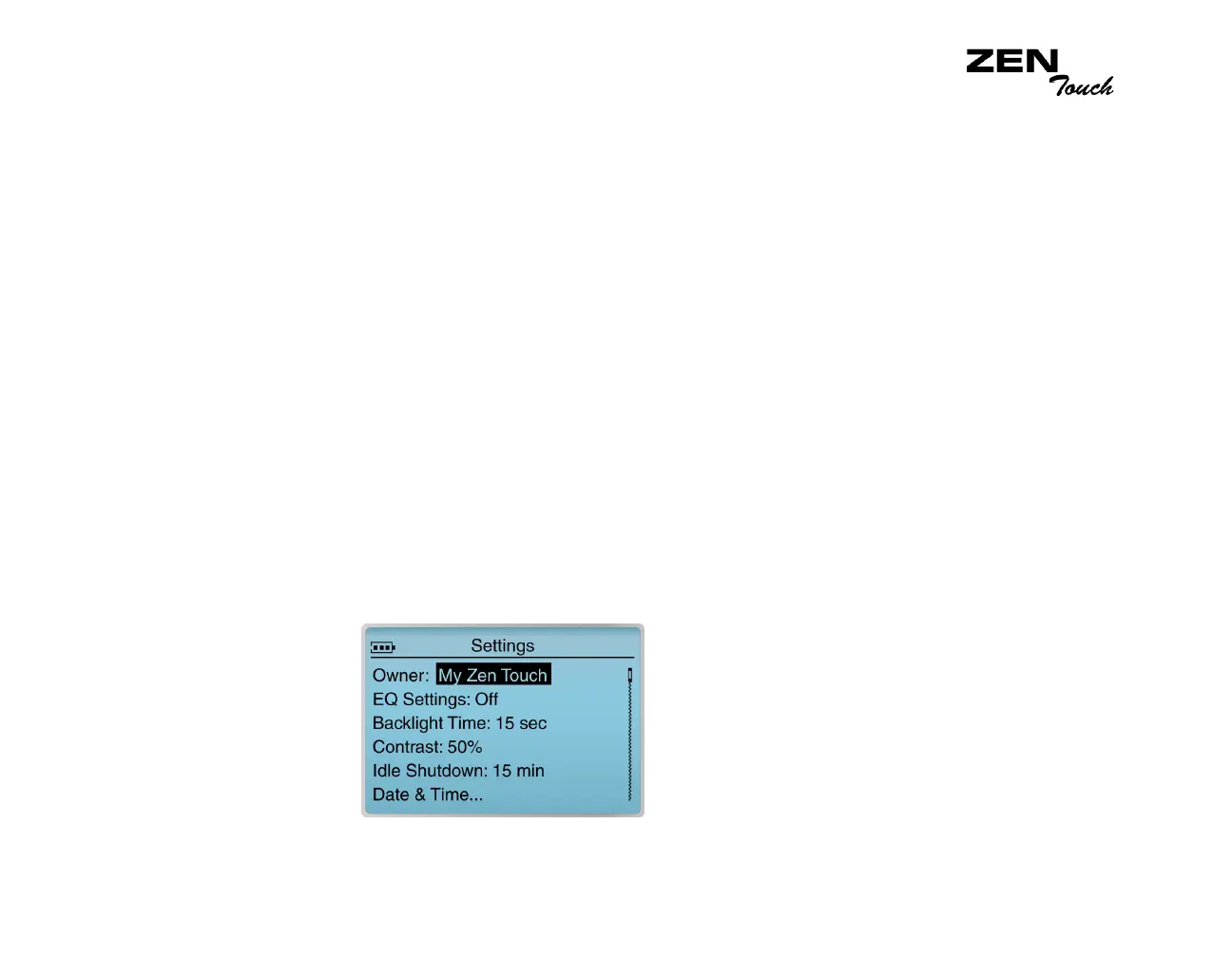
Your player offers many configuration options. You can
❍ construct an owner’s name for your player
❍ enhance your music by selecting or defining your own EQ setting
❍ set the LCD screen’s backlight duration
❍ set the contrast level for your player’s screen
❍ specify how long your player remains inactive before it automatically shuts down
❍ set the date and time in your player
❍ enable or disable the clicking sound when using the touch pad control
❍ tap the touch pad control for selecting options
❍ adjust the sensitivity of your touch pad control
❍ control the language in which your player’s menus are displayed
❍ reset your player’s settings to the default settings
❍ access the information screen
❍ reset your player
❍ lock and unlock your player’s buttons
Personalize your
player
To get to the Settings screen:
1. Press the Menu button.
2. Select Settings.














 To Next Page