Playing and Managing Your Music 3-2
Playing the
Selected Music list
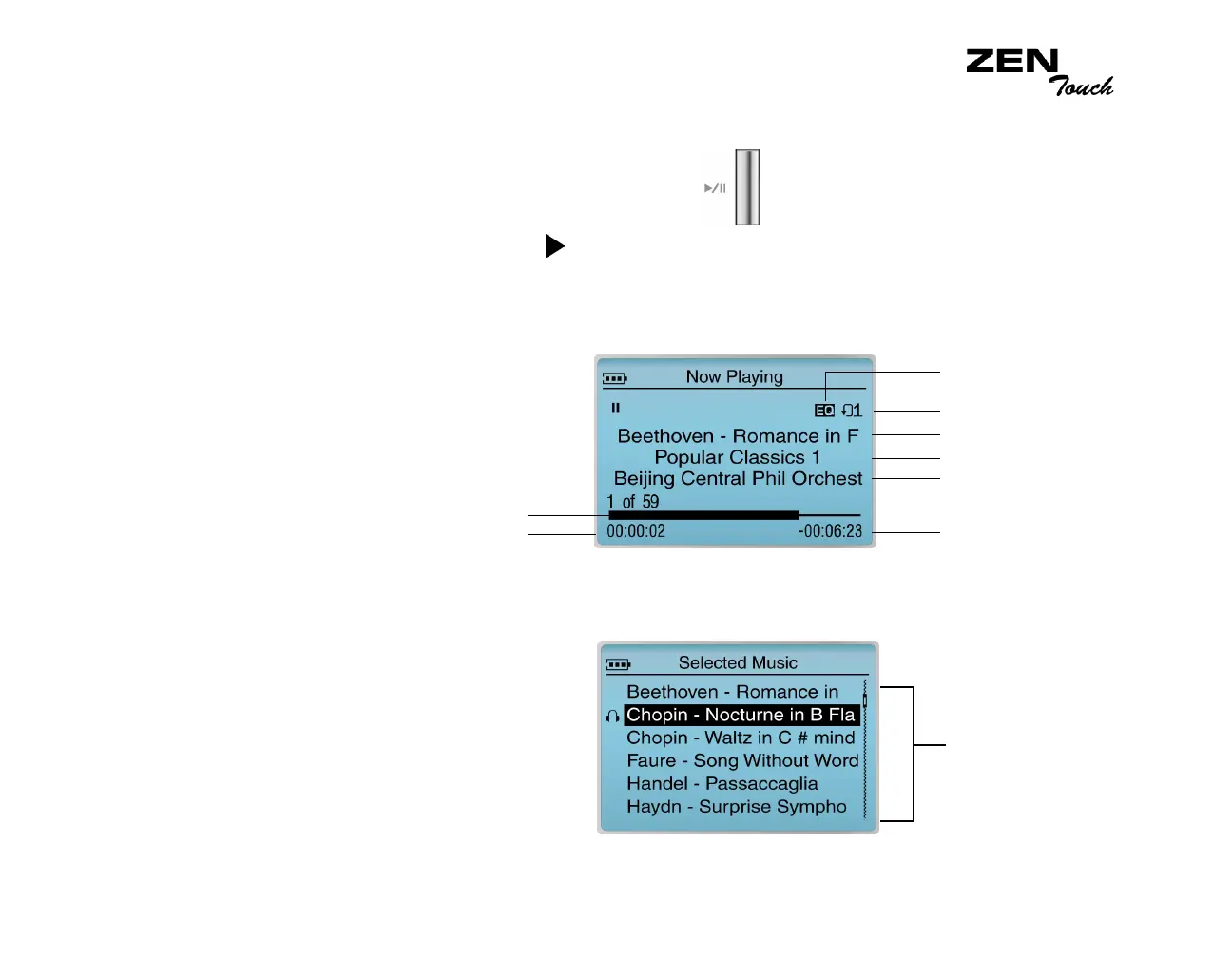
Follow these steps to play the Selected Music list.
1. Press the Play/Pause button .
The Play icon appears on the Now Playing screen, and tracks from
the Selected Music list begin playing.
The Now Playing screen shows the track that is being played back or
the track that has been selected.
2. To display the Selected Music list, which shows the list of tracks being
played, press the OK button.
Album Title
Remaining Time
Trac k T itl e
Artist
Play mode
EQ setting
Elapsed time
Elapsed time bar
Audio Selections














 To Next Page