Playing and Managing Your Music 3-19
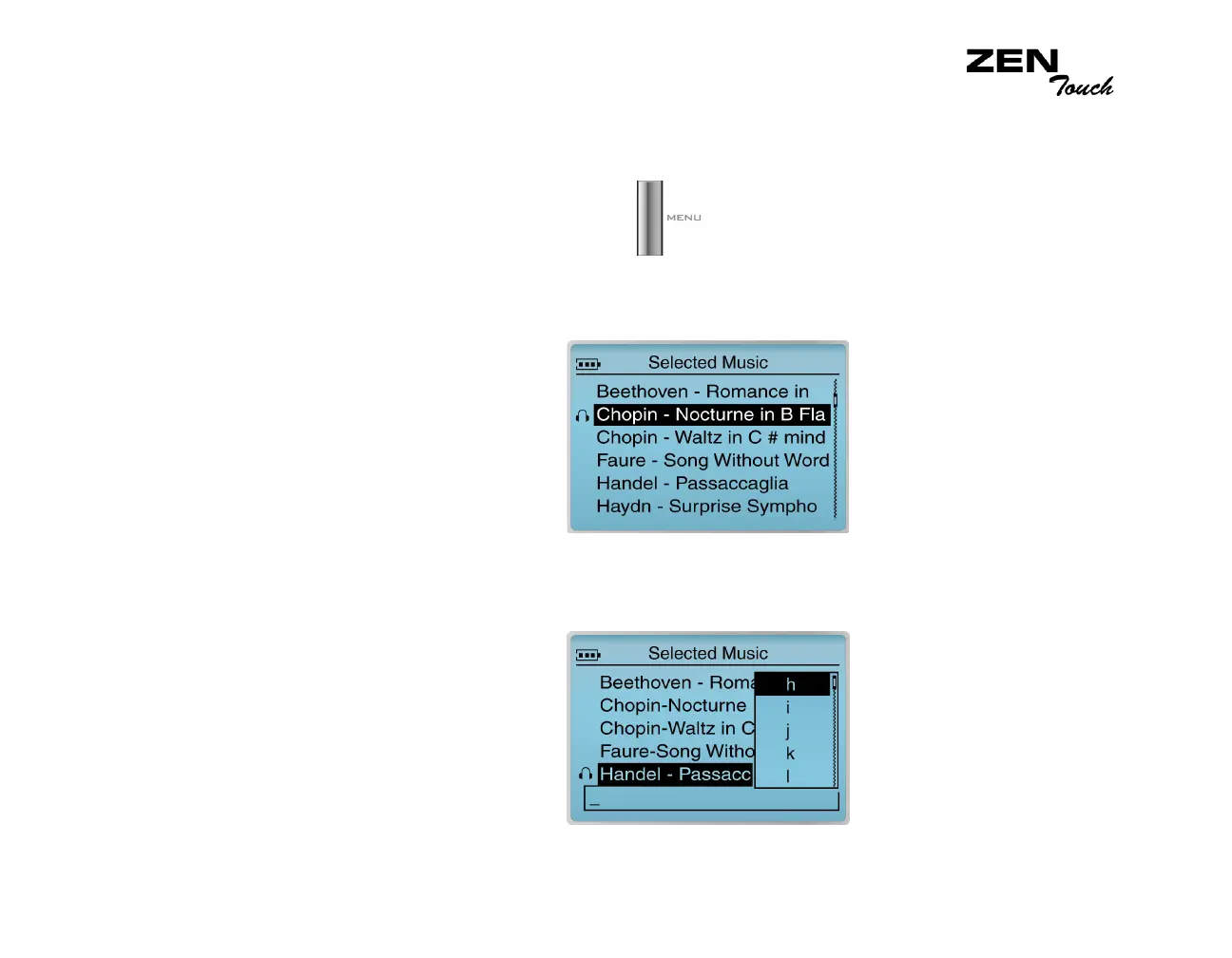
Saving the
Selected Music
list as a playlist
If you like the contents and arrangement of your current Selected Music list,
you can choose to save it as a playlist for retrieval and playback later.
1. Press the Menu button .
2. Select Now Playing to access the Now Playing screen.
3. Press the OK button. The Selected Music screen appears.
4. Press the OK button. A list appears.
5. Select Save as Playlist. A list appears.














 To Next Page