Playing and Managing Your Music 3-20
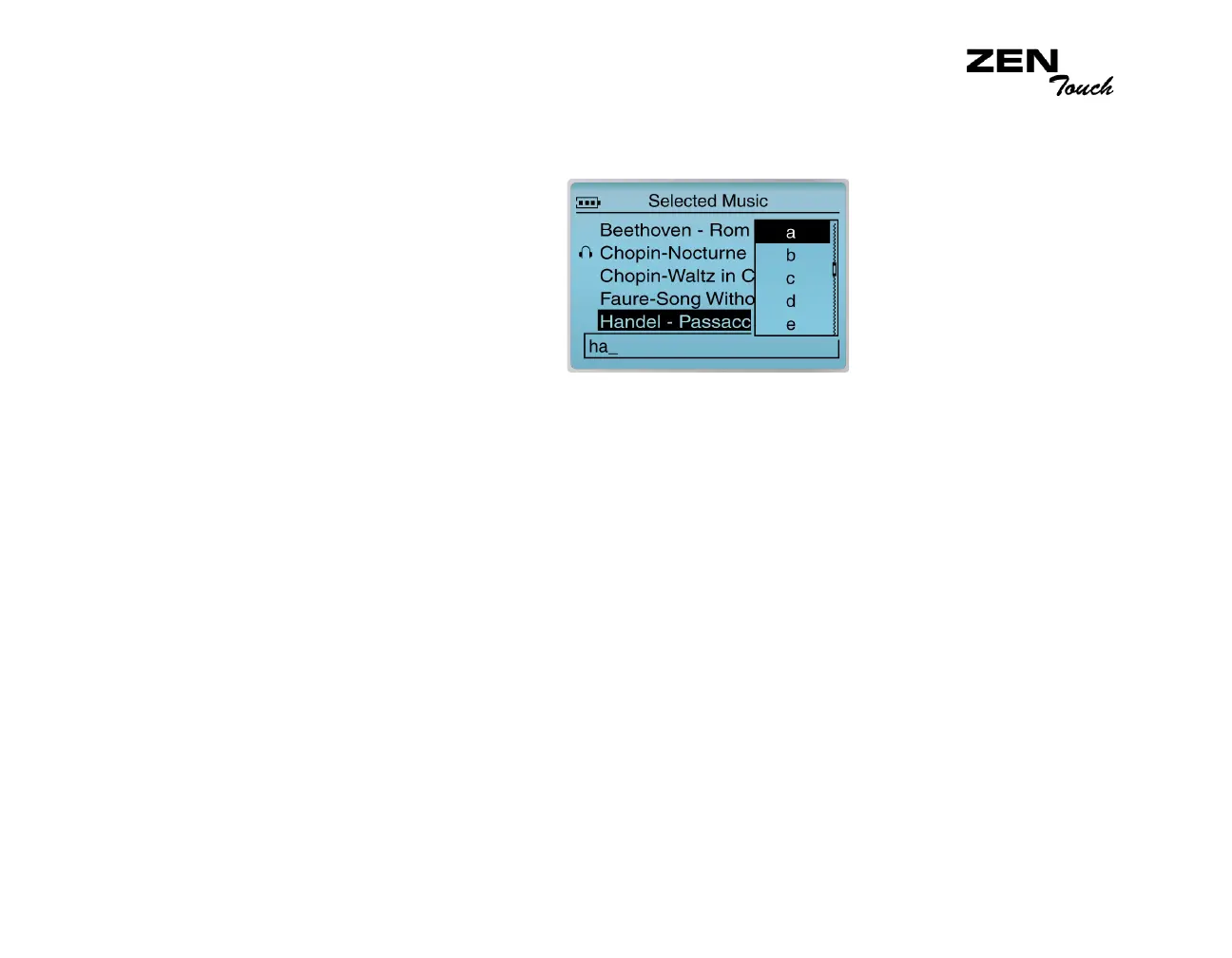
6. Select the letters on the list to form a name for your playlist. This name
appears in the box at the bottom of the screen.
Note: When entering letters into the box, you can switch from upper to
lower case (or vice-versa) by simply selecting the letter and holding down
the OK button. You can also use different character sets, such as accented
characters or numerals, by selecting the Charset option on the list.
7. Select the OK option to save the playlist with the name you have
entered.














 To Next Page