Playing and Managing Your Music 3-16
Using the
Selected Music
list
You can do more than play audio selections in the Selected Music list. You
can:
❍ View information about tracks in the Selected Music list
❍ Remove tracks
❍ Save the Selected Music list as a playlist
Viewing track
information in the
Selected Music
list
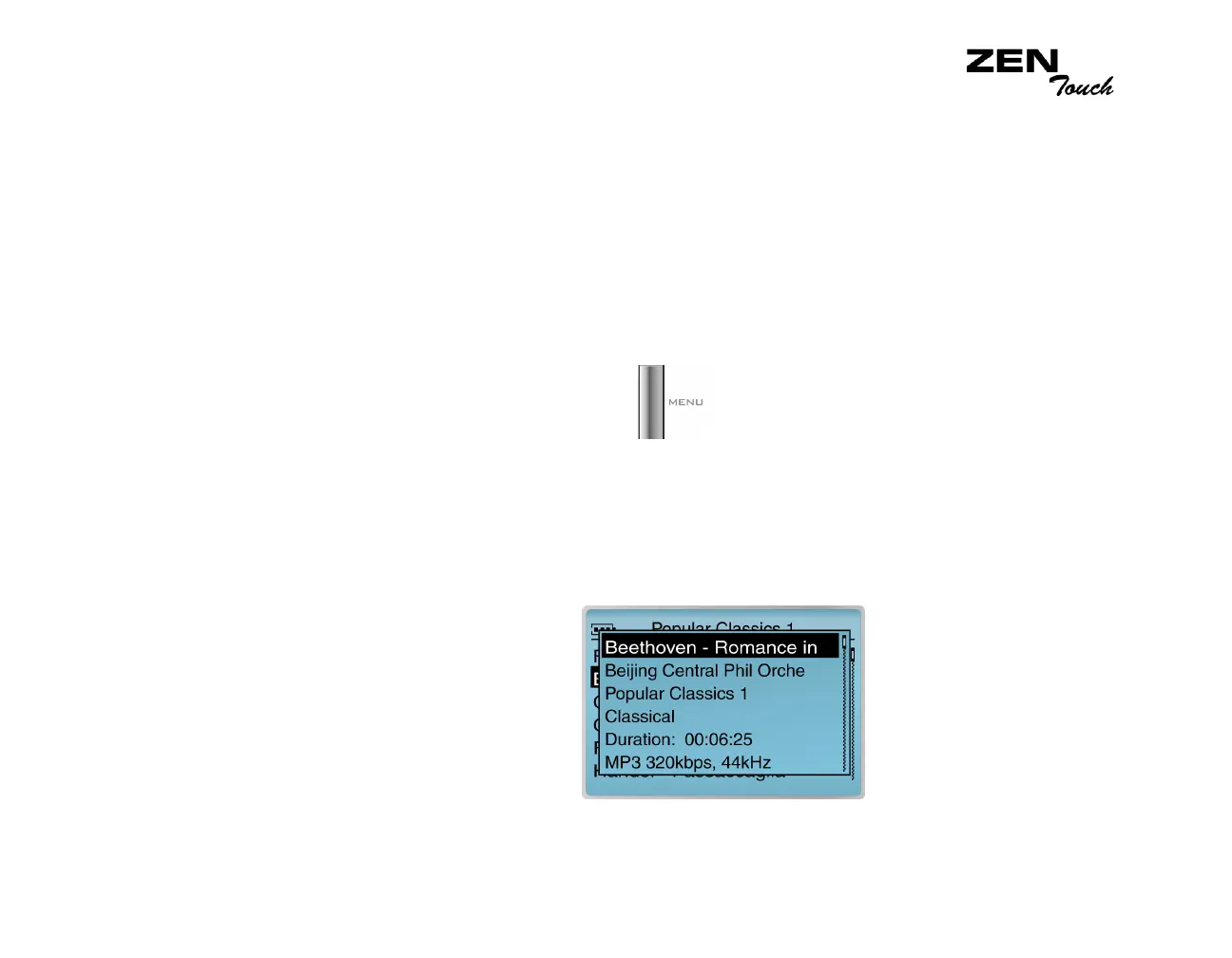
Information about tracks in the Selected Music list can be easily accessed
and viewed. The information provided is identical to that described in "To
view information about tracks in Music Library" on page 3-13.
1. Press the Menu button .
2. Select Now Playing to access the Now Playing screen.
3. Press the OK button. The Selected Music screen appears.
4. Select the track that you want to view information about. A list appears.
5. Select View Details. A message box appears, listing the track
information.














 To Next Page