Playing and Managing Your Music 3-15
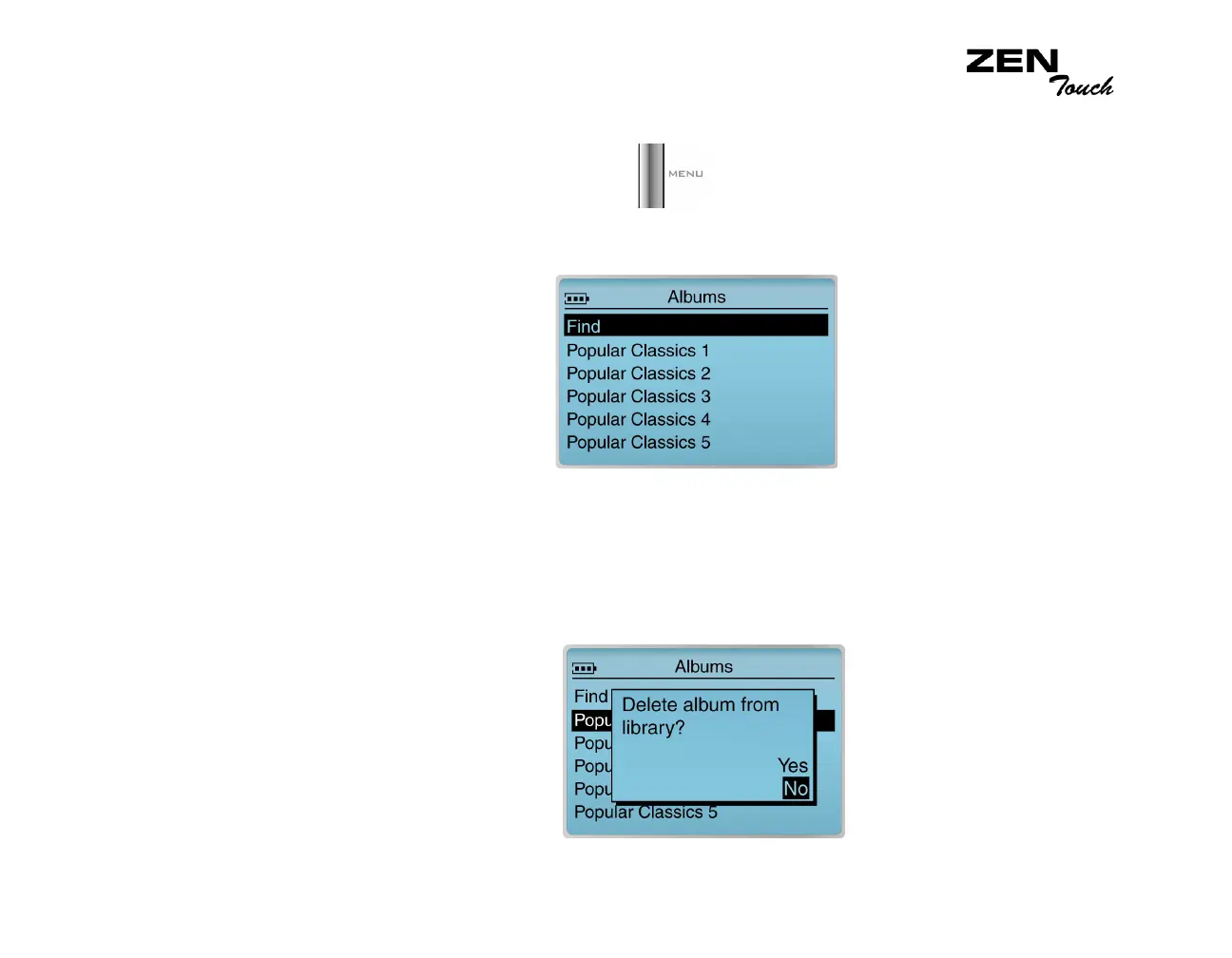
To delete an entire audio category
1. Press the Menu button .
2. Select Music Library.
3. Select an audio category. For example, select Albums.
4. Select the sub-category. For example, under Albums, select the album
title you want to delete. A list appears.
5. Depending on what you are deleting, select Delete Album, Delete
Artist, Delete Genre or Delete Playlist. A confirmation box appears,
asking you if you want to delete the selected album, artist, genre or
playlist.
6. Select Yes. The album is permanently deleted from your player.














 To Next Page