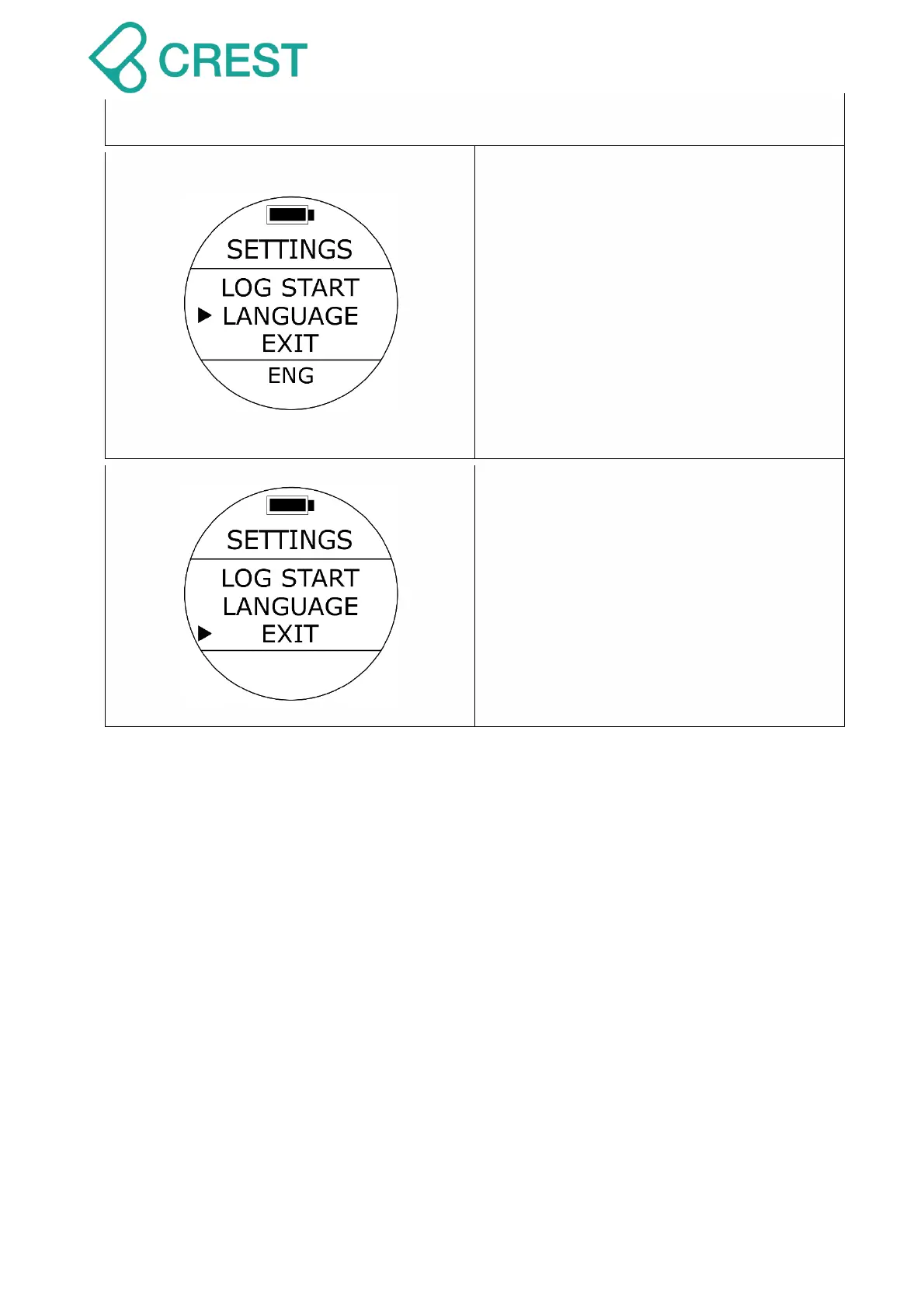
Description: Language Settings
To Access: Under Watch Mode, press the
UP Button once, and press UP Button /
DOWN Button to locate the cursor and
then press MODE Button once to select
the desired settings. The values at the
bottom of the screen will blink.
Default: English.
Setup range:
ENG for English, CH for Traditional
Chinese, SPN for Spanish.
Description: Exit
To Access: Under Watch Mode, press the
UP Button once, and press UP Button /
DOWN Button to locate the cursor at EXIT
and then press MODE Button to select; or
press Power Button once.



 To Next Page