1.4.2 Scuba Mode Settings
needed. Press MODE Button to accept
your selection.
Default: 1.0 m (3.3 ft.)
Setup range:
1.0 m (3.3 ft.), 1.5 m (4.9 ft.), 2.0 m (6.5
ft.), 2.5 m (8.2 ft.), 3.0 m (9.48 ft.)
Note:
This setting will automatically apply to
Freediving Mode and Gauge Mode.
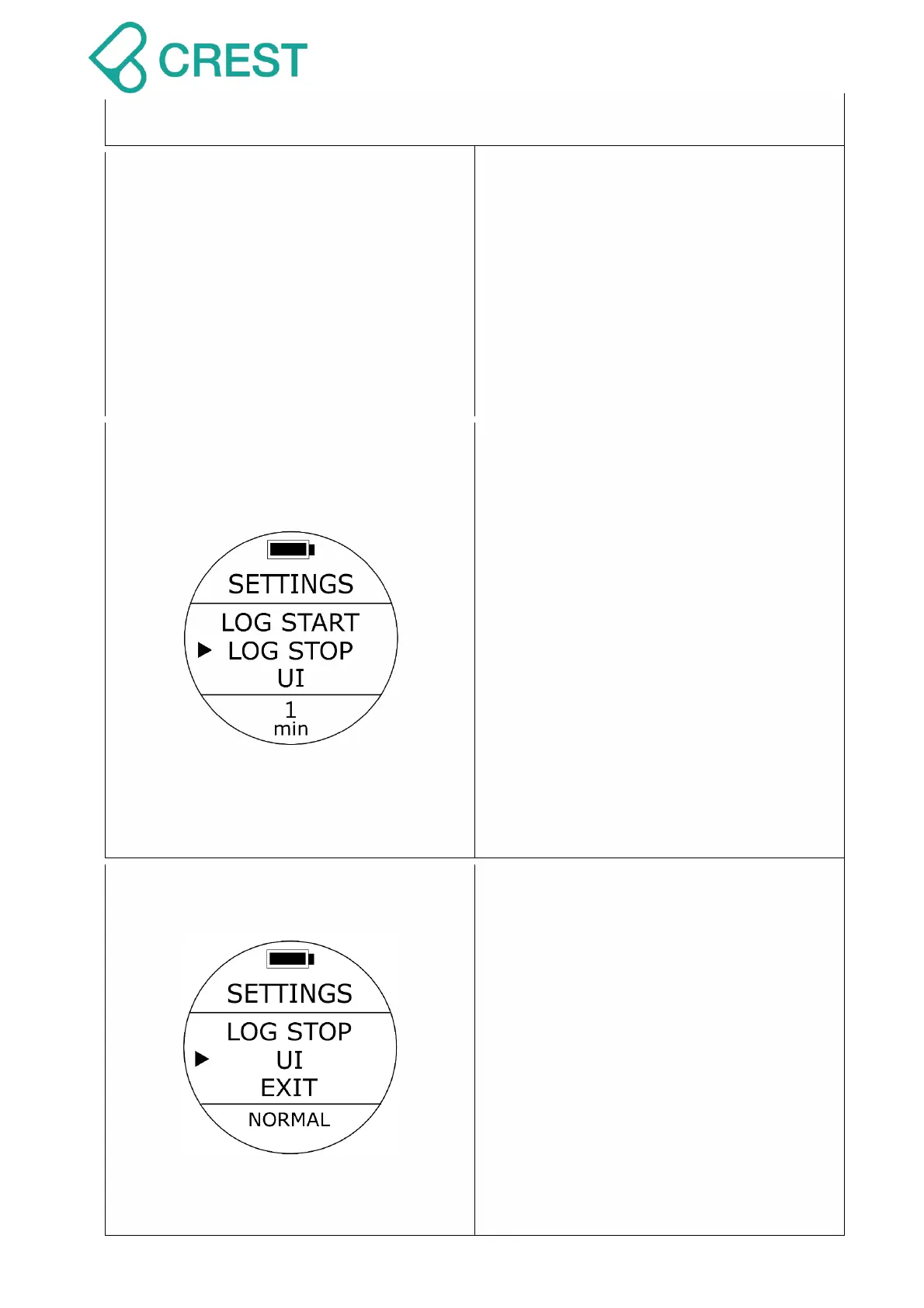
Description: Log Stop Time Setting (Log
Stop)
To Access: Under Scuba Preview Mode,
press UP Button Or from SETTINGS,
press UP Button / DOWN Button to locate
the cursor at LOG STOP and then press
MODE Button to select.
One of the log stop time options will be
blinking at the bottom. Press UP Button /
DOWN Button to select other options as
needed. Press MODE Button to accept
your selection.
Default: 1 minute
Setup range:
1 minute, 2 minutes, 5 minute, 10
minutes.
Description: Scuba PREVIEW MODE &
SCUBA Under Water Mode UI (User
Interface) Setting
To Access: Under Scuba Preview Mode,
press UP Button Or from SETTINGS,
press UP Button / DOWN Button to locate
the cursor at UI and then press MODE
Button to select.
One of the UI options will be blinking at the
bottom. Press UP Button / DOWN Button
to select other options as needed. Press
MODE Button to accept your selection.
Default: NORMAL (Normal Display)
Setup range:



 To Next Page