83 • AirMedia® Series 3 Receivers Product Manual — Doc. 9020C
l
Customizable Logo: Shows the Crestron logo by default. To upload a custom logo, refer to
Connected Devices (on page46).
l
Time, Date, Room Name: Shows the time, date, and conference room name.
o
Time/Date: To configure time and date information, refer to Date/Time (on
page34).
o
Room Name: To show, hide, or customize the room name, refer to General Settings
(on page24).
l
Room Availability: Shows room availability based on the connected calendar. To configure
calendar settings, refer to Services (on page37).
l
Customizable Background: Shows a slideshow of backgrounds by default. To upload a
custom background and/or modify the slideshow settings, refer to Connected Devices (on
page46).
l
Presentation Options: Shows all of the available ways of sharing content. When a
presentation mode is enabled, the presentation option tile will appear on the front of room
display. When a presentation mode is disabled, the presentation option tile will not
appear. To modify the font size of the of the text in each tile, refer to Connected Devices
(on page46).
l
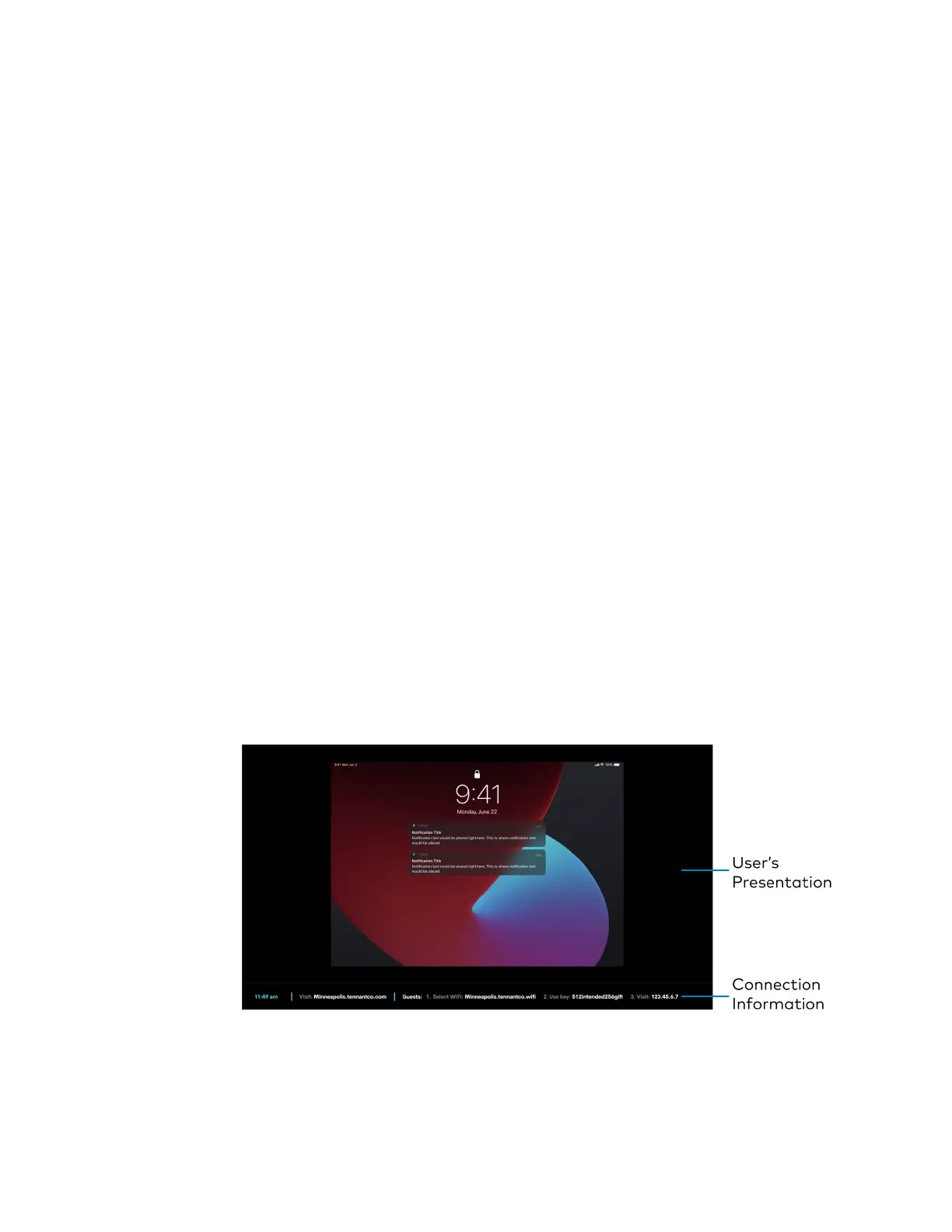
Connection Information: Shows additional connection information. To modify what
information appears, refer to Connection Display (on page57).
l
Custom Help Information: Shows custom help information when configured. To set
custom help information, refer to Connected Devices (on page46).
User Presentation
When a user is presenting, the user's presentation and additional connection information is
shown on the display device.
Front of Room Experience Screen - User Presenting















 To Next Page