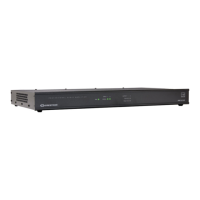
Crestron AMP-2210S/3210S Commercial Power Amplifiers
Operation
Ensure that the procedures and instructions given in “Setup” on page 9 have been
completed, and then do the following:
Set all INPUT CH LEVEL knobs to their center detent position. These can
be adjusted as necessary to balance the sound between channels or to
accommodate different audio sources.
Verify that the REMOTE selection switch is set appropriately:
ON = all channels are turned on
REMOTE = channels are activated remotely
Check the front panel LEDs to ensure that power is applied and that a signal
is present on each appropriate channel.
If an OUTPUT CLIP LED is on (amber), use the corresponding INPUT
CH LEVEL knob to reduce the signal level to eliminate the clipping
condition.
If an OUTPUT FAULT LED is on (red), eliminate the cause of the fault
condition before continuing.
Operations & Installation Guide – DOC. 7251A Commercial Power Amplifiers: AMP-2210S/3210S 13






 To Next Page