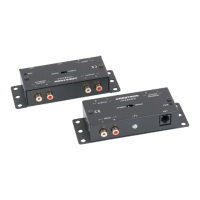
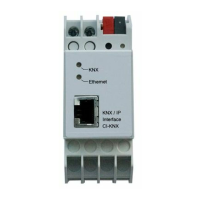
Crestron CI-KNX KNX Control Interface
Operations & Installation Guide – DOC. 0008 KNX Control Interface: Crestron CI-KNX
5
Setup
Network Wiring
The Crestron CI-KNX is used as interface for connecting to KNX on data point level
(KNX Application Layer).
It is possible to connect to KNX-Bus everywhere over LAN. A bus connection over
the internet with Crestron CI-KNX is also possible
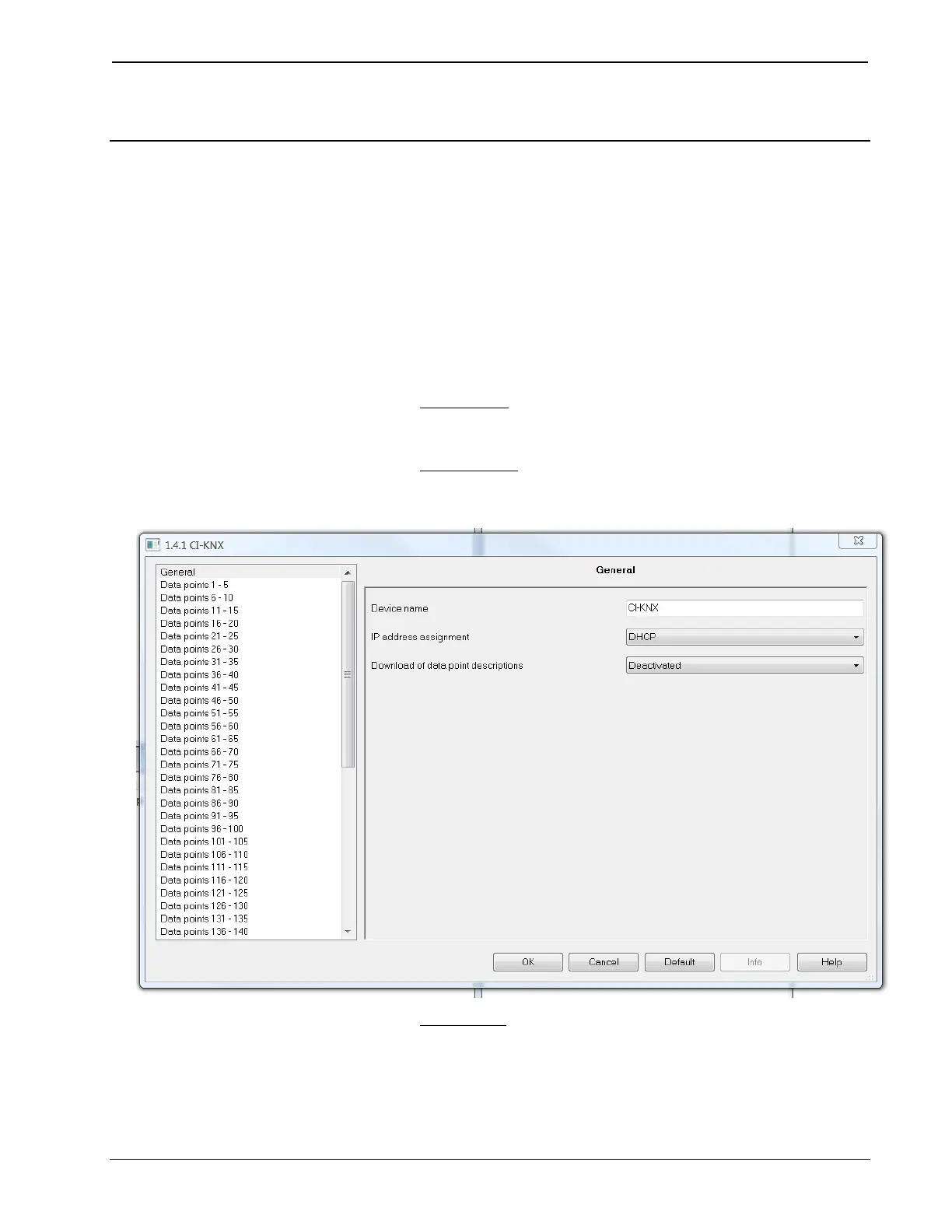
Changing the IP-address configuration.
There are two ways to assign an IP-address to the Crestron CI-KNX: get the IP-
address from DHCP-server or configure it with ETS (as ETS parameter).
1. DHCP-server: Connect the Crestron CI-KNX on a network with a
DHCP server. The DHCP server will assign a free IP-address to the
Crestron CI-KNX.
2. ETS parameter:
With ETS, the following parameters can be set:
Device name:
It’s possible to assign any name for the Crestron CI-KNX. The device
name should be significant (e.g. Data points 1
st
floor), because this is
used when searching for devices.


 To Next Page