4 • HD-MD8X8-4KZ-E, HD-MD8X4-4KZ-E, and HD-MD4X4-4KZ-E Web Interface Configuration Guide — Doc. 8908C
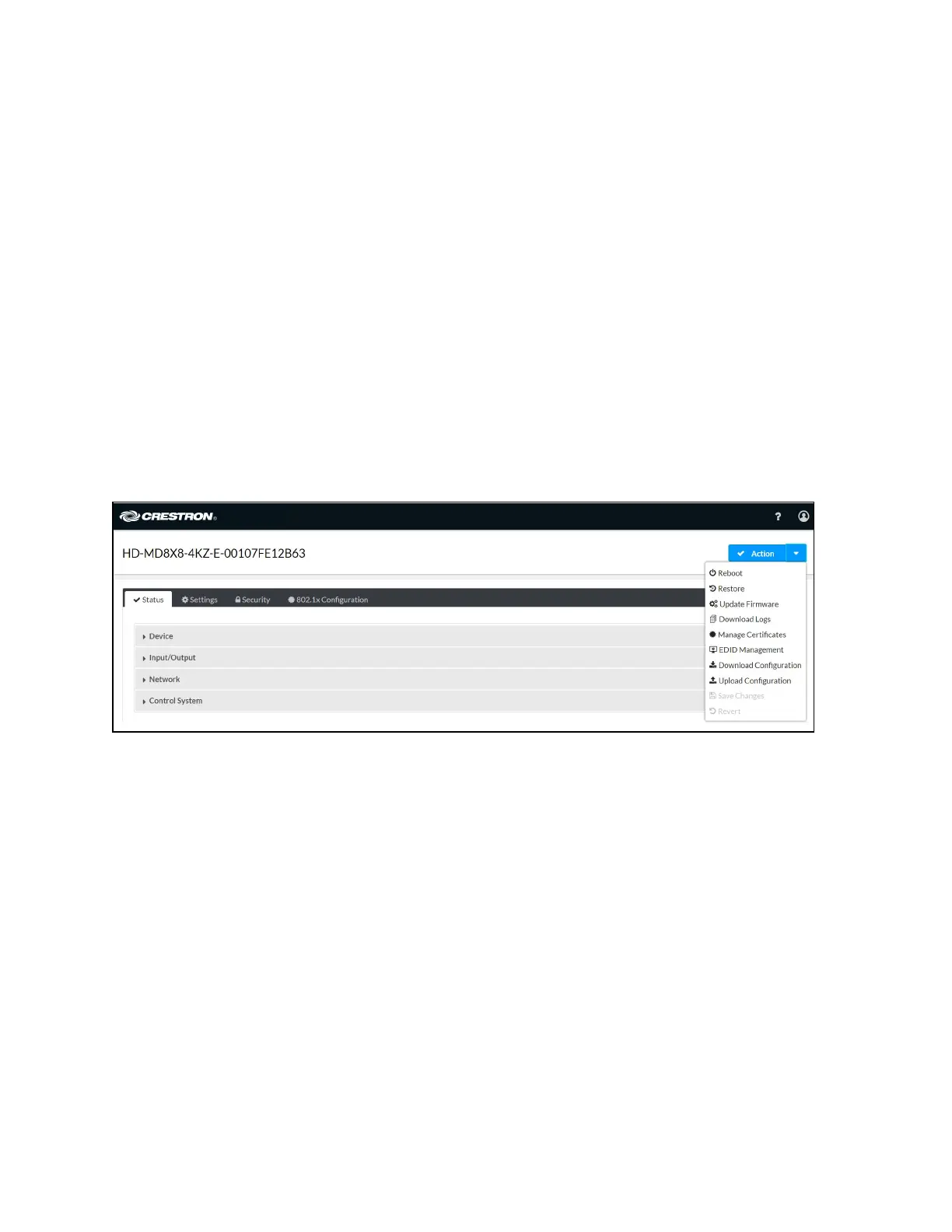
Actions Menu
The Actions drop-down menu is displayed at the top right side of the interface and provides
quick access to common device functionality of the AV switchers, such as:
l
Rebooting
l
Restoring
l
Updating Firmware
l
Downloading Logs
l
Managing Certificates
l
EDID Management
l
Downloading Configuration
l
Uploading Configuration
l
Saving Changes
l
Reverting












 To Next Page