62 • TSW-560, TSW-760, and TSW-1060 Product Manual — Doc. 7927K
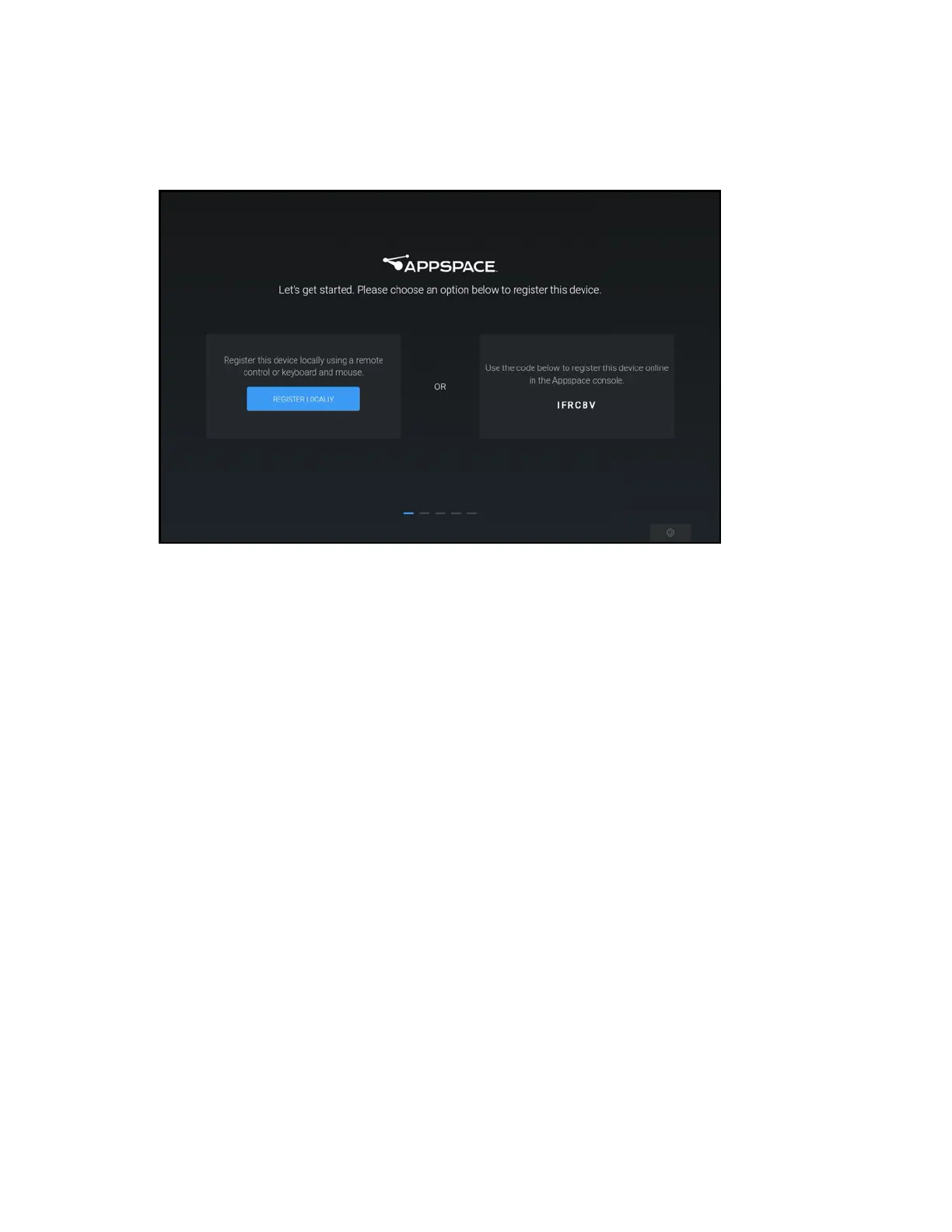
4. Reboot the touch screen. The Appspace application user interface is displayed on the touch
screen following the reboot.
Appspace User Interface
The touch screen may be registered locally with the Appspace application or registered online
through the Appspace console.
To register with the Appspace application locally:
1. Tap REGISTER LOCALLY in the first registration option provided by the Appspace user
interface.
2. Enter the following Appspace account information with the on-screen keyboard:
l Enter the Appspace account URL in the first text field (cloud.appspace.com is entered
by default).
l Enter the Appspace account username in the second text field.
l Enter the Appspace account password in the third text field.











 To Next Page