80 • TSW-560, TSW-760, and TSW-1060 Product Manual — Doc. 7927K
NFSRendezvous
To set up the NFS™ Rendezvous scheduling application on the touch screen:
NOTE: A NFS Rendezvous account is required to use this application. For more information, visit
https://myrendezvous.net.
1. Access the touch screen web configuration interface. For more information, refer to Web
Configuration (on page27).
2. Navigate to Settings > Applications.
3. Select NFSRendezvous from the Application Mode drop-down menu.
Settings Tab - Applications(NFS Rendezvous)
4. Reboot the touch screen. The Rendezvous user interface is displayed on the touch screen
following the reboot.
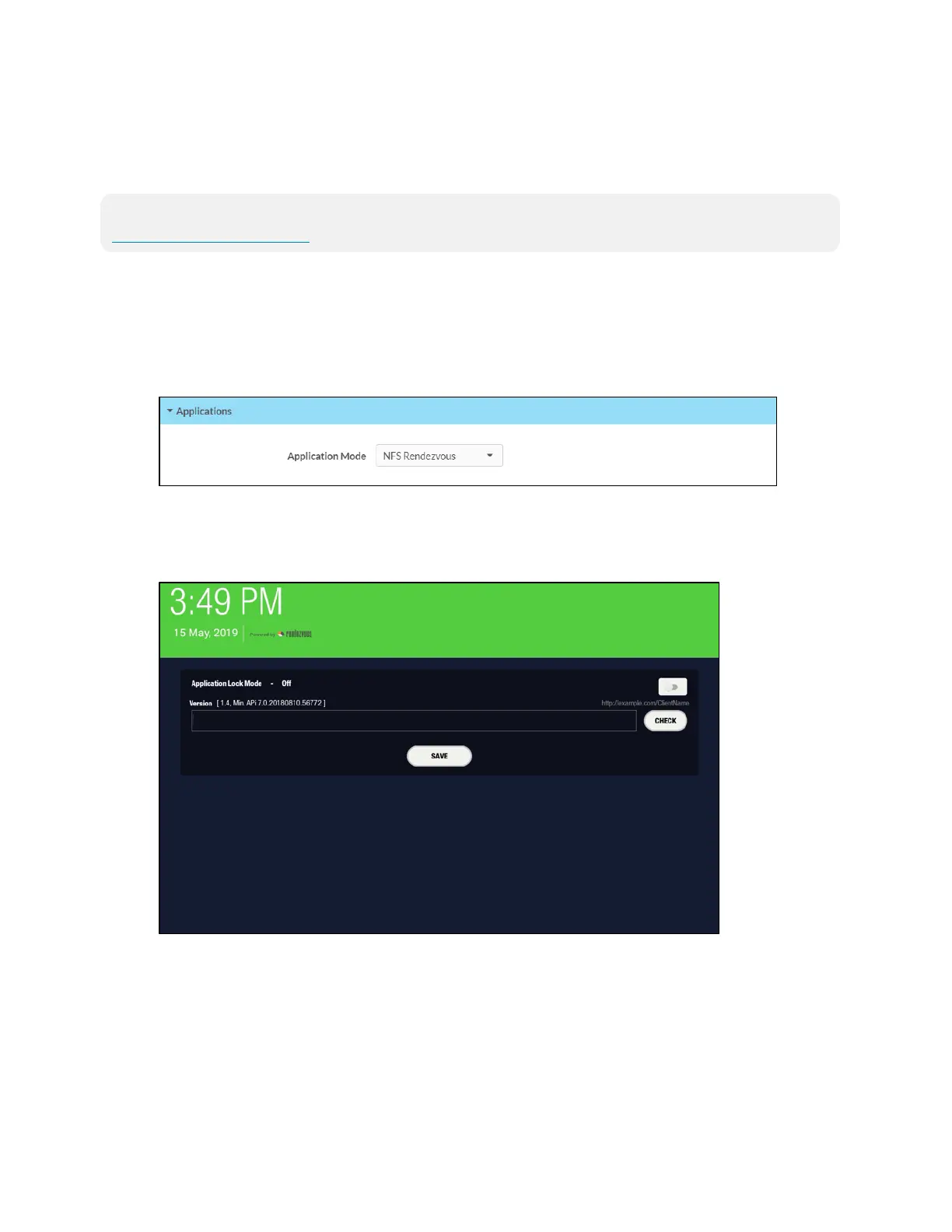
Rendezvous User Interface
5. Use the onscreen keyboard to enter the URL for the account scheduling API, and then tap
CHECK.
6. Once the application is verified to work with the scheduling API, tap SAVE.
7. In the Alert dialog appears, tap Yes to change the API URL, and then tap OK to close the
alert.











 To Next Page