Product Manual — Doc. 7927K TSW-560, TSW-760, and TSW-1060 • 79
5. Use the on-screen keyboard to enter the required New Wave Apps server and room
information:
NOTE:Servers and rooms must be set up on the network through a New Wave Apps
account prior to using them in the application.
a. Enter the URL of the New Wave Apps account server in the Server field.
b. Enter the email address associated with the New Wave Apps room in the Room Email
field.
c. Enter the account password in the Password field.
d. Tap Save.
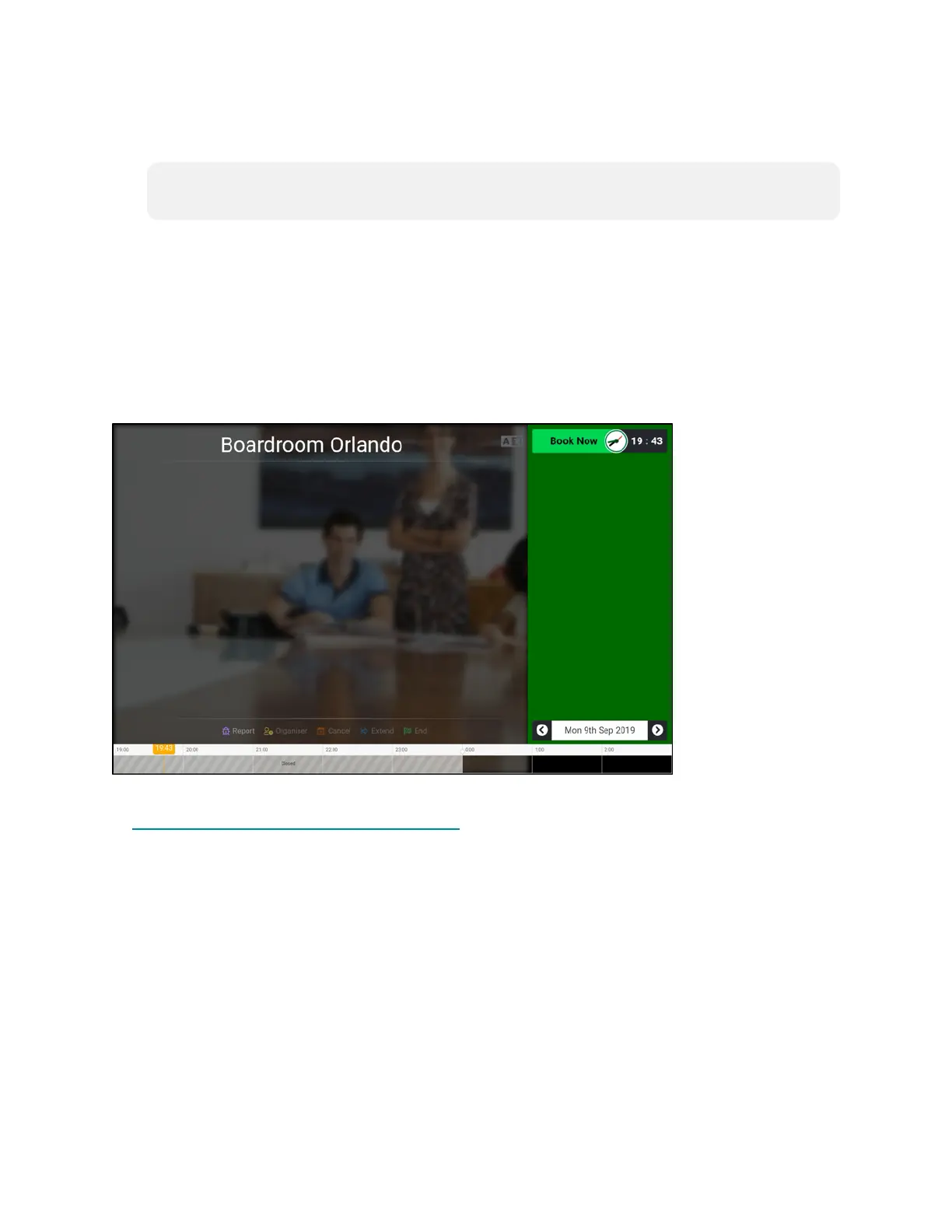
The primary scheduling screen is displayed.
New Wave Scheduling Interface
For more information on using the New Wave Apps scheduler, contact New Wave Apps support
at http://www.newwaveapps.com/en/contact.











 To Next Page